72 Using the Canon Advanced Printing Technology Chapter 3
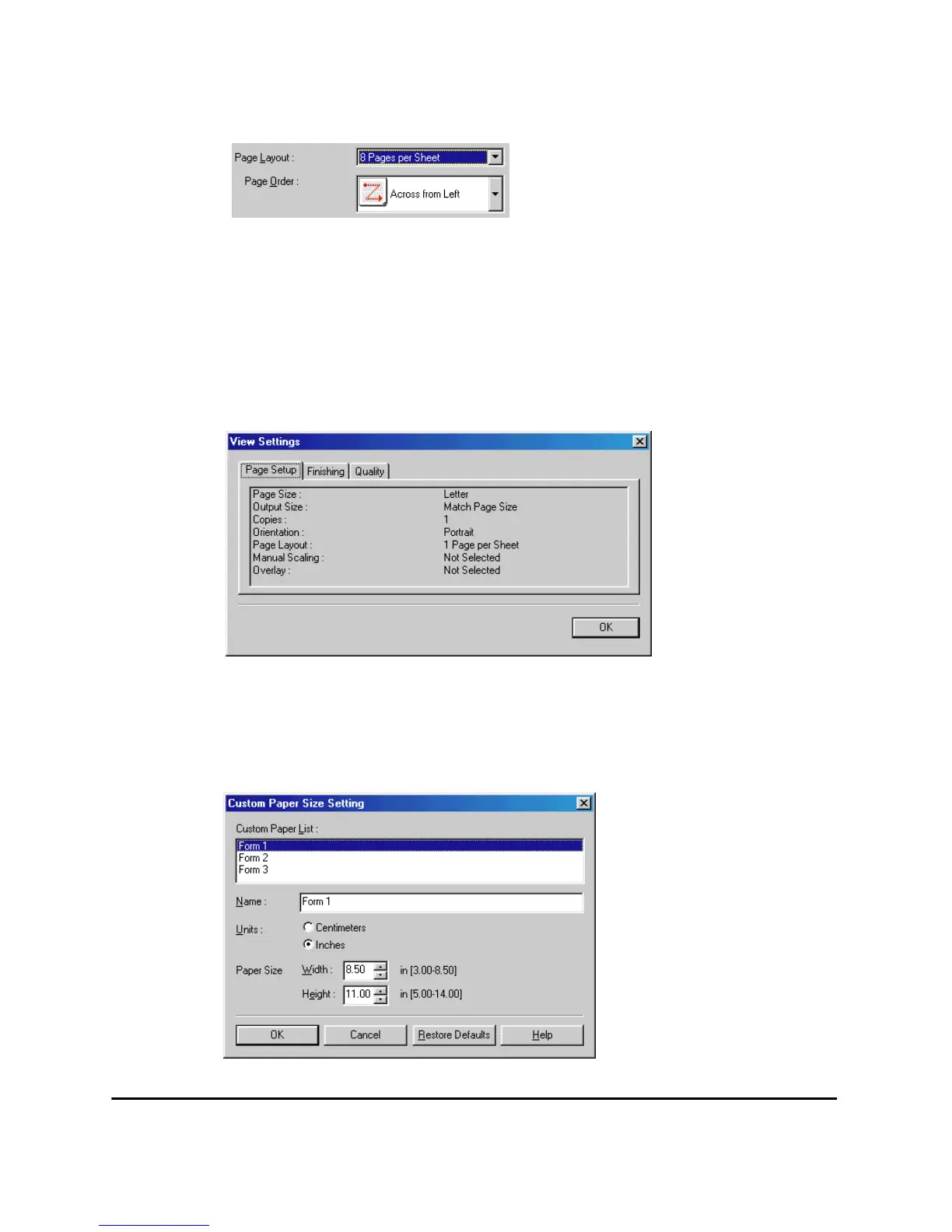
Scaling disappears and Page Order appears in its place.
Manual Scaling lets you shrink or enlarge images. This option only
appears when 1 Page per Sheet is selected as the Page Layout. Check
the check box to set a reduction or enlargement percentage (10-200).
View Settings
To get a quick view of your current settings, click View Settings, which
is located on the Page Setup, Finishing, and Quality tabs. Click on the
tabs in the View Settings dialog box to view the settings for each tab.
Custom Paper Size
Custom Paper Size on the Page Setup tab window allows you to define
custom paper sizes (forms) for quick selection. You can specify the name,
width, and height of each form. You can have up to 3 custom forms.












 To Next Page