110 Photos
Selecting the Print Settings
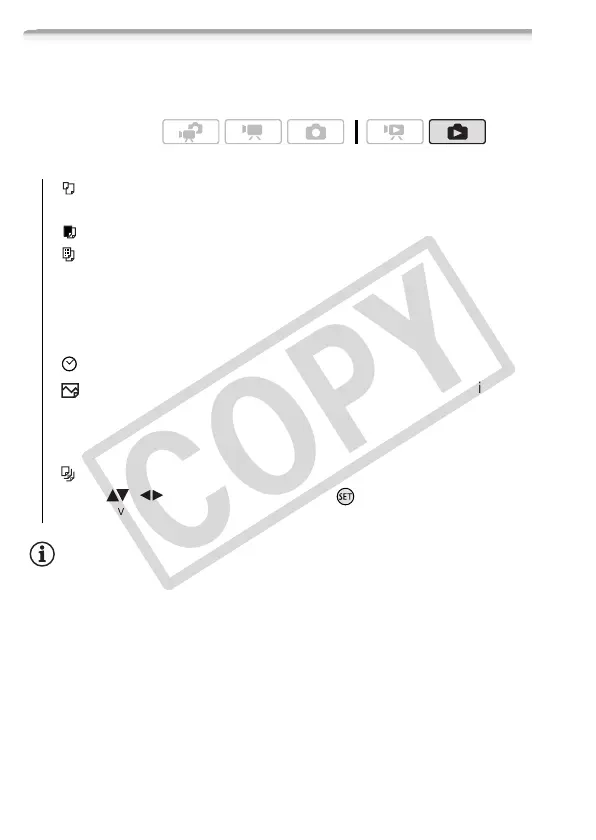
You can select the number of copies and other settings for printing.
Setting options vary depending on your printer model.
Options
NOTES
• Print setting options and [Default] settings vary depending on the printer
model. For details, refer to the printer’s instruction manual.
Operating modes:
[Paper Size]*Available paper sizes vary depending on the
printer model.
[Paper Type]*Select [Photo], [Fast Photo], [Plain] or [Default].
[Page Layout]*Select [Default], [Bordered] or one of the follow-
ing page layouts.
[Borderless]: The photo is enlarged and may be slightly cropped
at the edges to fit the paper.
[x photos/sheet]: Refer to the following sidebar.
[] (Date print)Select [On], [Off] or [Default].
[ ] (Print effect) Available only with printers compatible with the
Image Optimize function. Select [On], [Off] or [Default].
Canon inkjet/SELPHY DS printers: You can also select [Vivid],
[NR] and [Vivid+NR].
[ ] (Number of copies) Select 1-99 copies.
* Select ( , ) [Paper Settings] and press to change all three settings
consecutively.











 To Next Page