Video 81
Using an External Microphone
When recording in very quiet surroundings, the built-in microphone
may pick up the sound of the camcorder's internal machinery. In such
case, we recommend using an external microphone.
Using the DM-100 Directional Stereo Microphone
Attach the optional DM-100 Directional Stereo Microphone to the
mini advanced shoe.
Refer to Using the Mini Advanced Shoe ( 80).
appears. For details about using the microphone, refer to the
instruction manual of the DM-100.
Using other microphones
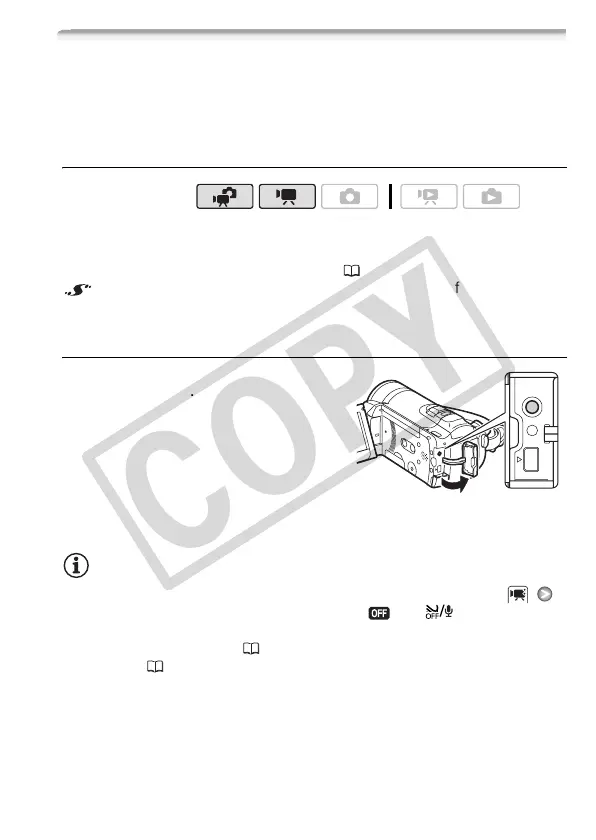
You can also use commercially avail-
able microphones. Connect the exter-
nal microphone to the MIC terminal.
Use commercially available condenser
microphones with their own power
supply and a cable no longer than 3 m.
You can connect almost any stereo
microphone with a ∅ 3.5 mm plug but
audio recording levels may vary.
NOTES
• When an external microphone is connected to the camcorder,
[Wind Screen] will automatically be set to [ Off ].
• If the audio level is too high and the sound gets distorted, turn on the
microphone attenuator ( 139) or adjust the audio recording level
manually ( 77).
Operating modes:











 To Next Page