Video 41
Video
This chapter covers functions related to shooting movies,
including recording, playback, advanced functions and playlist
and scene operations.
Basic Recording
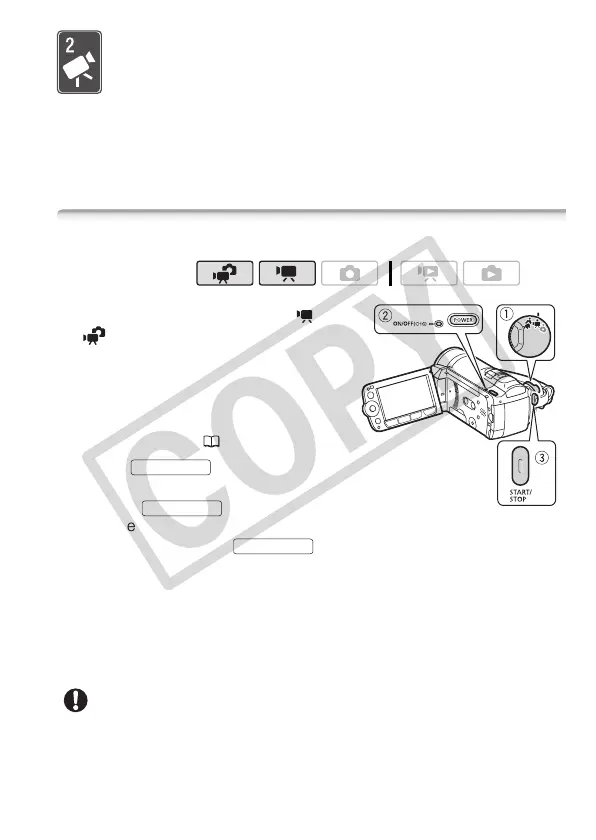
Shooting Video
1 Set the camera mode dial to or
.
2 Turn on the camcorder.
By default, movies are recorded in
the built-in memory. Alternatively, you
can set the memory card as the
recording media ( 39).
3Press to begin
recording.
• Press again to pause
the recording.
• You can also press on the LCD panel.
When you have finished recording
1 Make sure that the ACCESS indicator is off.
2 Turn off the camcorder.
3 Close the LCD panel.
IMPORTANT
• Observe the following precautions while the ACCESS indicator is on or
flashing. Failing to do so may result in permanent data loss or damage
to the memory.
Operating modes:
START/STOP
START/STOP
START/STOP











 To Next Page