Preparations 39
Selecting the Memory for the Recordings
You can select to record your movies and photos in the built-in mem-
ory or on a memory card. The built-in memory is the default memory
for recording both.
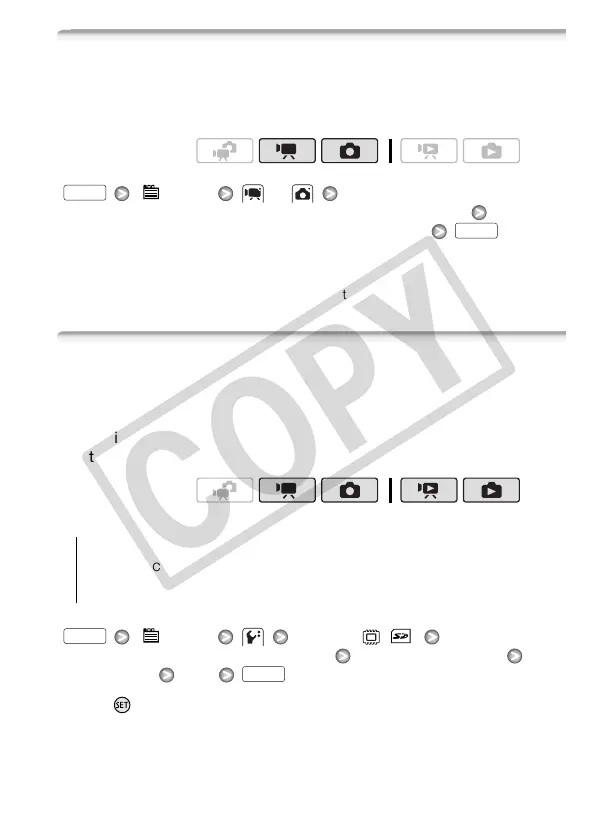
[ Menu] or
[Rec Media for Movies] or [Rec Media for Photos]
Select the built-in memory or memory card*
* When selecting the memory, you can check the total, used and approximate avail-
able recording time/number of photos (estimated based on the recording mode
(movies) or photo size/quality (photos) currently in use).
Initializing the Built-in Memory or Memory Card
Initialize memory cards when you use them with this camcorder for the
first time. You can also initialize a memory card or the built-in memory
to permanently delete all the recordings it contains.
At the time of purchase, the built-in memory comes pre-initialized and
contains music files for use as background music during playback.
Options
[ Menu] [Initialize / ]
[Built-in Mem.] or [Mem. Card] Initialization method
[Yes]* [OK]
* Press to cancel the complete initialization while it is in progress. All recordings
will be erased and the memory can be used without any problem.
Operating modes:
FUNC.
FUNC.
Operating modes:
[Quick Initialization] Clears the file allocation table but does not
physically erase the stored data.
[Complete Initialization] Erases all data completely.
FUNC.
FUNC.











 To Next Page