Photos 97
Additional Functions
Flash
You can use the flash to take photos in dark places.
POINTS TO CHECK
• Select a recording program other than [ Fireworks], [ Underwater]
or [ Surface].
Options
(
Default value)
1 Open ( ) the joystick guide.
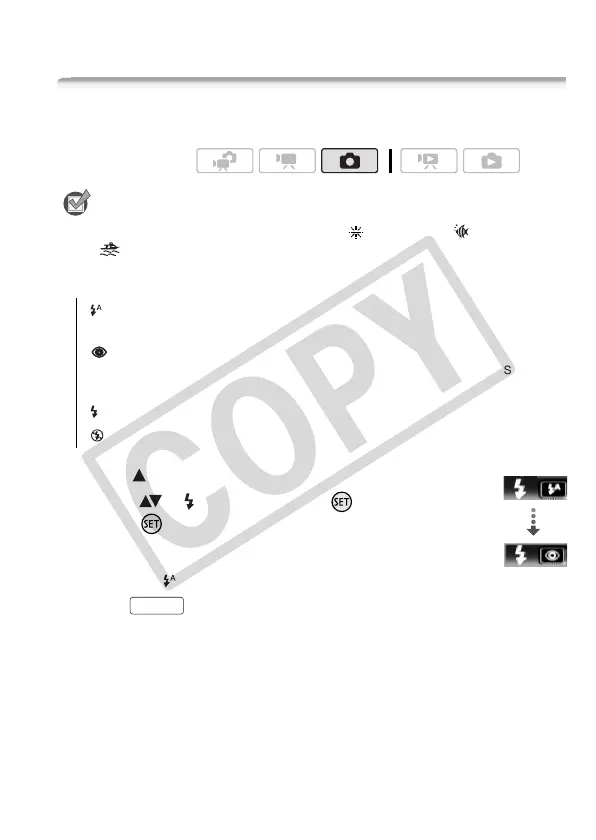
2 Select ( ) [ Flash] and press .
• Press repeatedly to cycle between the
flash modes.
• The icon of the selected flash mode
appears. disappears after 4 seconds.
3 Press , first halfway to activate
the autofocus and then fully to record the
photo.
Depending on the setting selected and shooting conditions, the flash
will fire.
Operating modes:
(auto)
The flash fires automatically according to the brightness
of the subject.
(red-eye reduction, auto) The flash fires automatically accord-
ing to the brightness of the subject. The assist lamp lights up to
reduce the red-eye effect.
(flash on) The flash always fires.
(flash off) The flash does not fire.
Flash
Example: selecting red-eye
reduction flash
PHOTO











 To Next Page