146 Additional Information
Language and Date/Time Setup
[Date Format]: Select the date format to be used for most on-screen dis-
plays, and (if selected) for the date printed on photos.
[Calendar Start Day]: Select the day on which the week starts for the cal-
endar display ( 49).
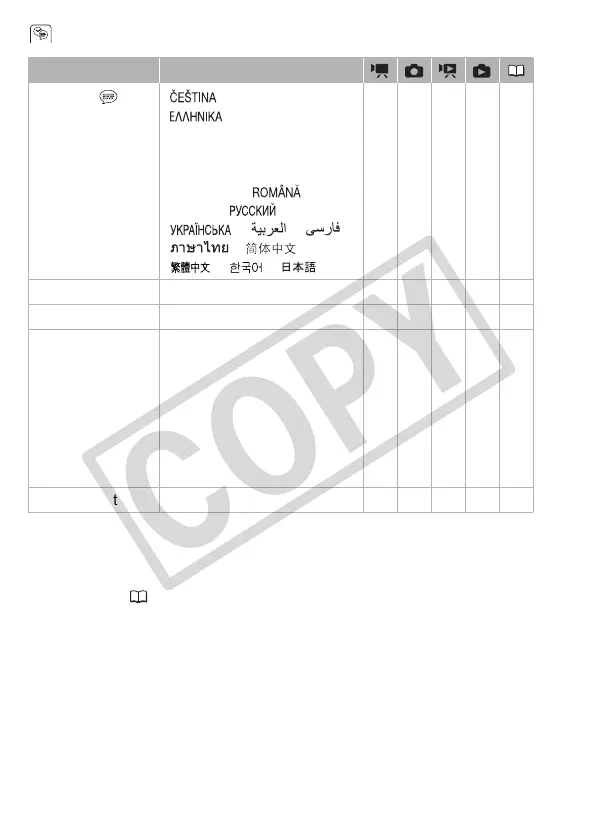
Menu item Setting options
[Language ] [ ], [DEUTSCH],
[], [ENGLISH],
[ESPAÑOL], [FRANÇAIS],
[ITALIANO], [MAGYAR], [MELAYU],
[NEDERLANDS], [POLSKI],
[PORTUGUÊS], [ ],
[TÜRKÇE], [ ],
[ ], [ ], [ ],
[ ], [ ],
[ ], [ ], [ ]
zzzz36
[Time Zone/DST] List of world time zones zzzz36
[Date/Time] – zzzz35
[Date Format]
[Y.M.D AM/PM (2009.1.1 AM 12:00)],
[Y.M.D 24H (2009.1.1 0:00)],
[M.D,Y AM/PM
(Jan. 1, 2009 12:00 AM)],
[M.D,Y 24H (Jan. 1, 2009 0:00)],
[D.M.Y AM/PM
(1.Jan.2009 12:00 AM)],
[D.M.Y 24H (1.Jan.2009 0:00)]
zzzz –
[Calendar Start Day] [Saturday], [Sunday], [Monday] ––z ––











 To Next Page