74 Video
Options (
Default value)
[ Image Effect Off] Desired option*
* When you select [ Custom Effect], do not press and continue instead
with the following procedure.
To set the custom image effect
1 Press and select ( ) the custom setting options.
2 Adjust ( ) each setting as desired.
3 When you finish all the adjustments, press then to save
the settings and close the menu.
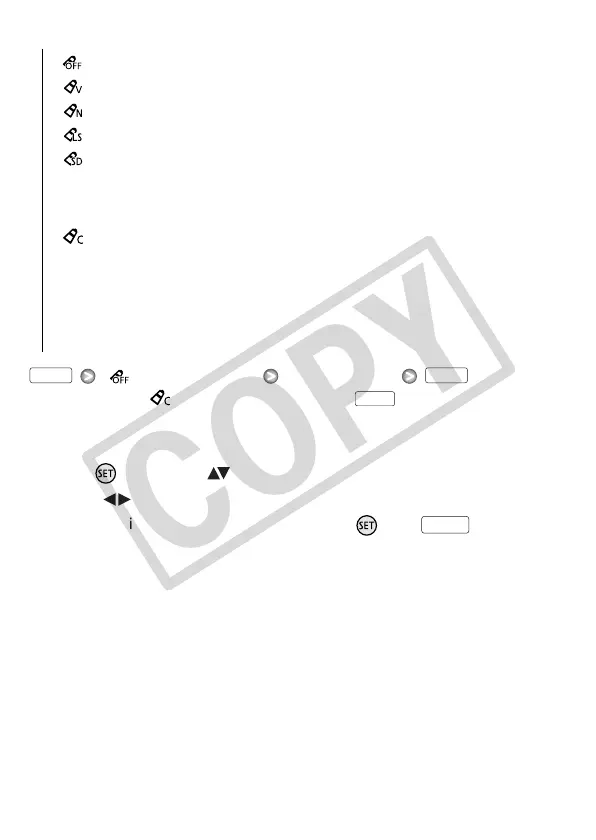
[ Image Effect Off]
Records with no image enhancing effects.
[ Vivid]Emphasizes the contrast and color saturation.
[ Neutral]Tones down the contrast and color saturation.
[ Low Sharpening] Records subjects with softened outlines.
[ Soft Skin Detail] Softens the details in the skin tone area for a
more complimentary appearance. To obtain the best effect, use
this setting when recording a person in close-up. Note that areas
similar to the skin color may lack in detail.
[ Custom Effect] Allows you to adjust the color depth, bright-
ness, contrast, and sharpness of the image.
[Color Depth]:
(–) Shallower colors, (+) Richer color tonality
[Brightness]:
(–) Darker picture, (+) Brighter picture
[Contrast]:
(–) Flatter picture, (+) More defined light and shade
[Sharpness]:
(–) Vaguer outlines, (+) Sharper outlines
FUNC. FUNC.
FUNC.
FUNC.











 To Next Page