Video 79
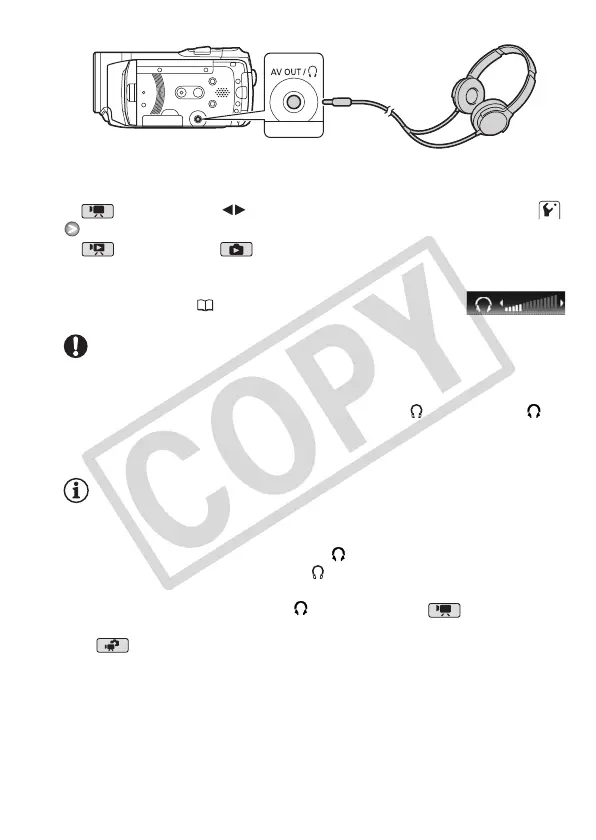
To adjust the volume of the headphones
In mode, adjust ( ) the volume of the headphones with the
[Headphone Volume] setting.
In mode, and in mode during
slideshow playback, adjust the headphones
volume the same way you adjust the
speaker’s volume ( 46).
IMPORTANT
• When using headphones, make sure to lower the volume to an appro-
priate level.
• Do not connect the headphones to the AV OUT/ terminal if the
icon does not appear on the screen. The noise output in such case may
be harmful to your hearing.
NOTES
• Use commercially available headphones with a ∅ 3.5 mm minijack and
a cable no longer than 3 m.
• Even if [AV/Headphones] was set to [ Headphones] in a playback
mode, the function of the AV OUT/ terminal will return automatically to
AV output when you set the camcorder to a recording mode.
• If [AV/Headphones] was set to [ Headphones] in mode, the
camcorder retains the terminal’s setting even if you set the camcorder
to mode.











 To Next Page