59
Advanced Functions
Recording
E
Audio Recording
Changing the Audio Mode
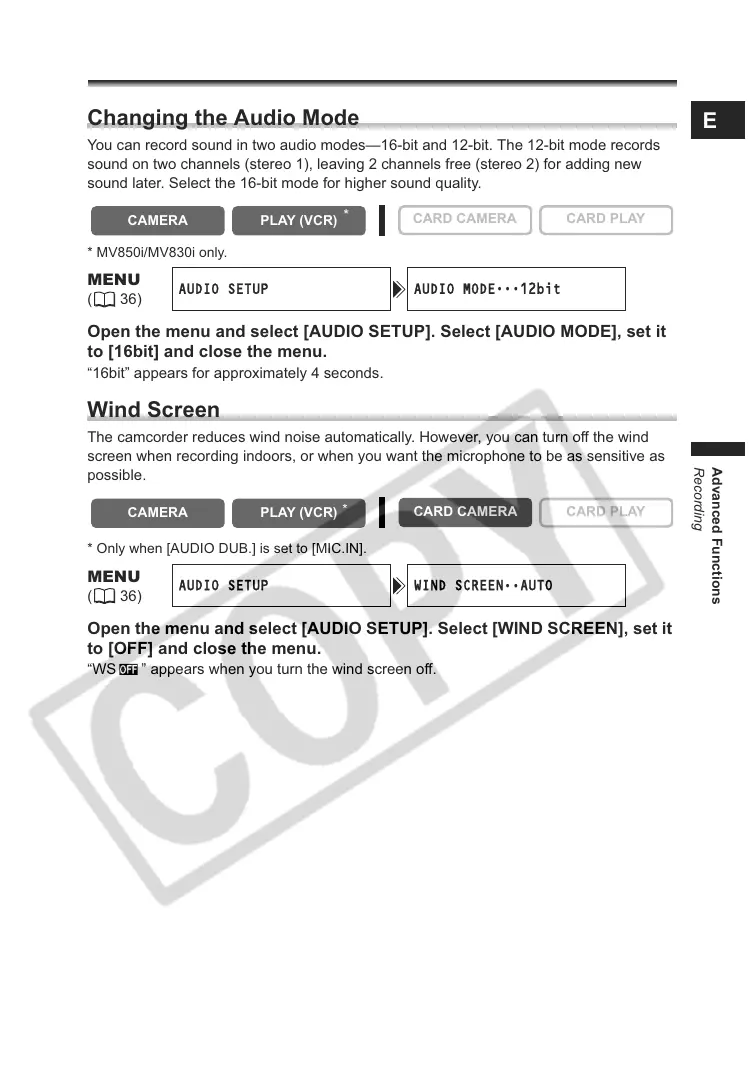
You can record sound in two audio modes—16-bit and 12-bit. The 12-bit mode records
sound on two channels (stereo 1), leaving 2 channels free (stereo 2) for adding new
sound later. Select the 16-bit mode for higher sound quality.
* MV850i/MV830i only.
Open the menu and select [AUDIO SETUP]. Select [AUDIO MODE], set it
to [16bit] and close the menu.
“16bit” appears for approximately 4 seconds.
Wind Screen
The camcorder reduces wind noise automatically. However, you can turn off the wind
screen when recording indoors, or when you want the microphone to be as sensitive as
possible.
* Only when [AUDIO DUB.] is set to [MIC.IN].
Open the menu and select [AUDIO SETUP]. Select [WIND SCREEN], set it
to [OFF] and close the menu.
“WS ” appears when you turn the wind screen off.
CAMERA
PLAY (VCR)
CARD CAMERA CARD PLAY
MENU
(36)
AUDIO SETUP AUDIO MODE
•••
12bit
CAMERA
PLAY (VCR)
CARD CAMERA
CARD PLAY
MENU
(36)
AUDIO SETUP WIND SCREEN
••
AUTO
*
*



 To Next Page