72
Other Functions
Customizing the Camcorder
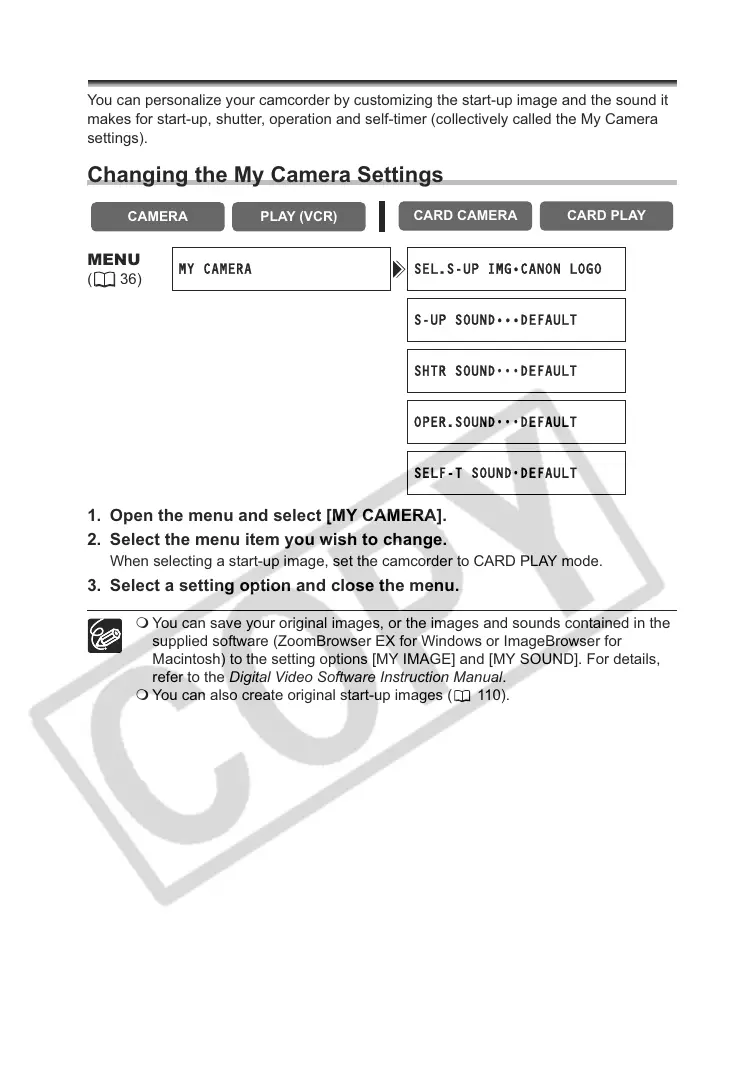
You can personalize your camcorder by customizing the start-up image and the sound it
makes for start-up, shutter, operation and self-timer (collectively called the My Camera
settings).
Changing the My Camera Settings
1. Open the menu and select [MY CAMERA].
2. Select the menu item you wish to change.
When selecting a start-up image, set the camcorder to CARD PLAY mode.
3. Select a setting option and close the menu.
You can save your original images, or the images and sounds contained in the
supplied software (ZoomBrowser EX for Windows or ImageBrowser for
Macintosh) to the setting options [MY IMAGE] and [MY SOUND]. For details,
refer to the Digital Video Software Instruction Manual.
You can also create original start-up images ( 110).
CAMERA
PLAY (VCR)
CARD CAMERA CARD PLAY
MENU
(36)
MY CAMERA SEL.S-UP IMG•CANON LOGO
S-UP SOUND•••DEFAULT
SHTR SOUND
•••
DEFAULT
OPER.SOUND
•••
DEFAULT
SELF-T SOUND
•
DEFAULT



 To Next Page