3.
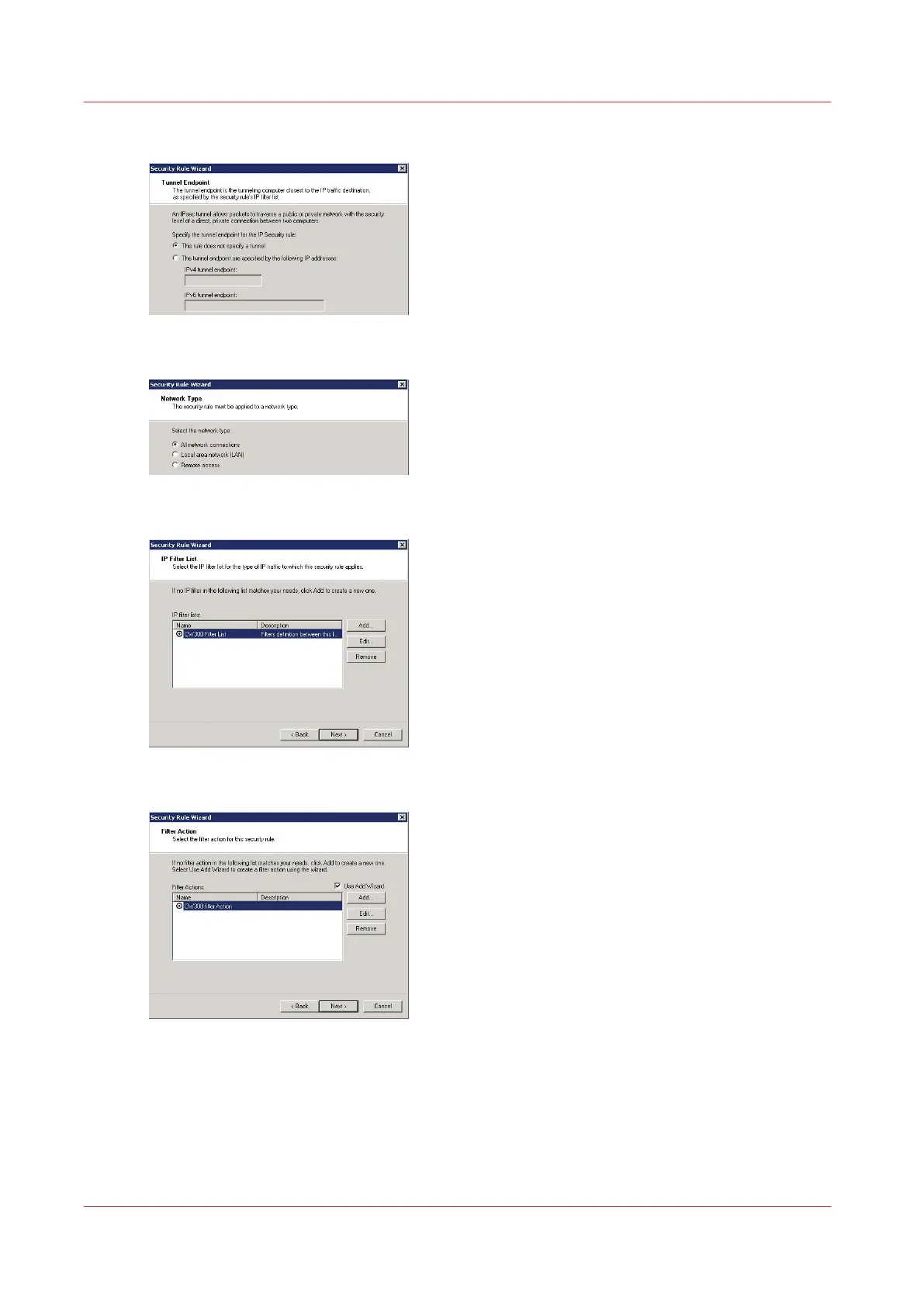
Select 'This rule does not specify a tunnel', and click 'Next'
4.
As the Network type, select 'All network connections' and click 'Next'
5.
Select the filter previously created then click 'Next'
6.
Select the filter action previously created then click 'Next'
Define the security rule
50
Chapter 2 - Security on Océ PlotWave 300/350, PlotWave 750, PlotWave 900 and ColorWave 300









 To Next Page