PC-D320/PC-D340/FAX-L400 Chapter 4: Maintenance and Service
4-72
6.5 Print Tests
a) Test mode print test
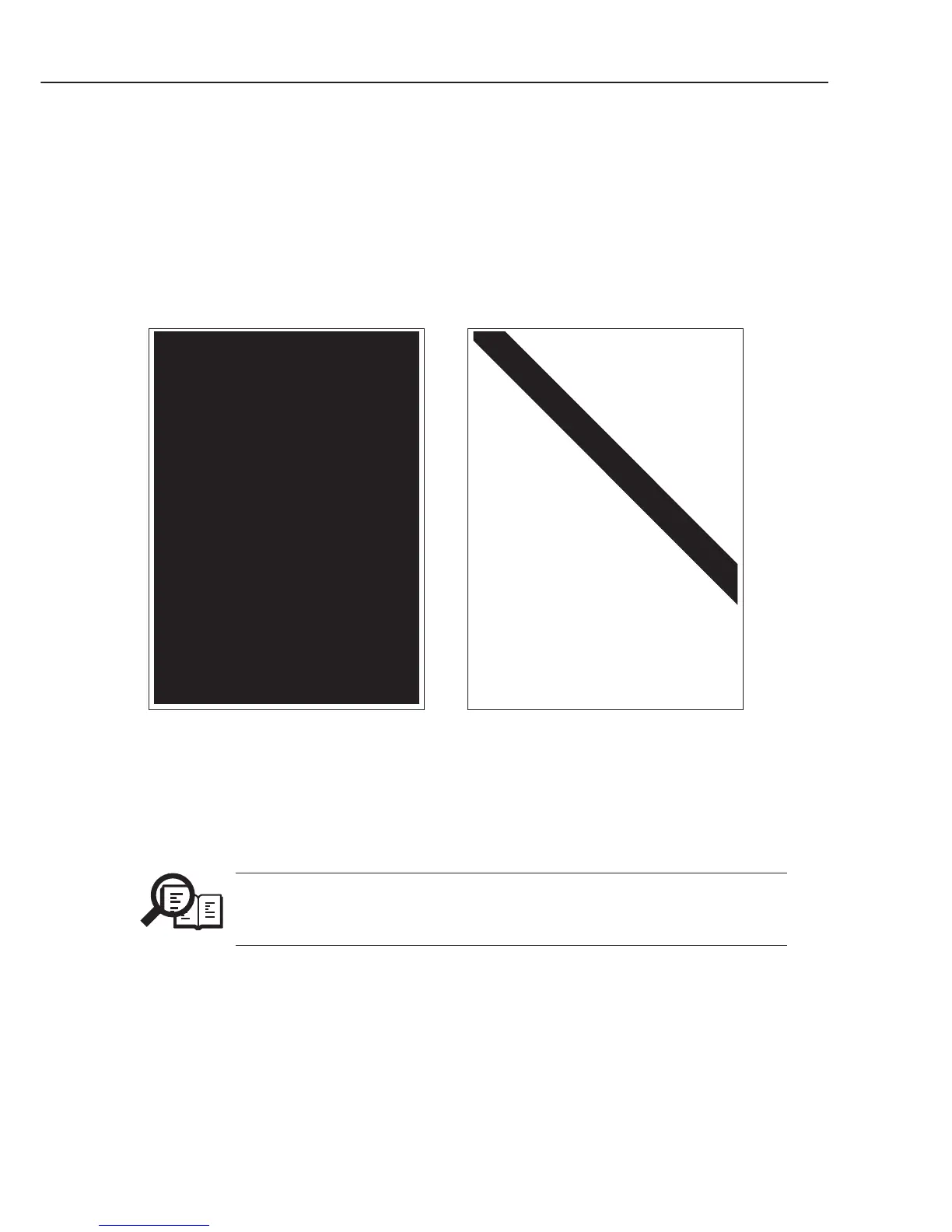
The Print Test menu is selected by pressing the numeric key 3 from the test mode menu. In
this test, various print patterns are output from the printer. As service print patterns, press
the numeric key 2 from the Print Test menu to select “2: BLK” or press the numeric key 6
to select “6: ENDUR”. Do not use the other patterns. They are for development and factory
use.
Check the following for the print pattern.
Figure 4-21 Print Pattern Check
NOTE
After completion of the print test, if the printing was normal, copy a
document. If there is any defect in the copied image, there is a defect in the
scan section.
"2: BLK"
Check for white stripes and
unevenness.
"6: ENDUR"
Check for image shrinkig, stretching,
soiling, aand black strips.



 To Next Page