PC-D320/PC-D340/FAX-L400 Chapter 4: Maintenance and Service
4-78
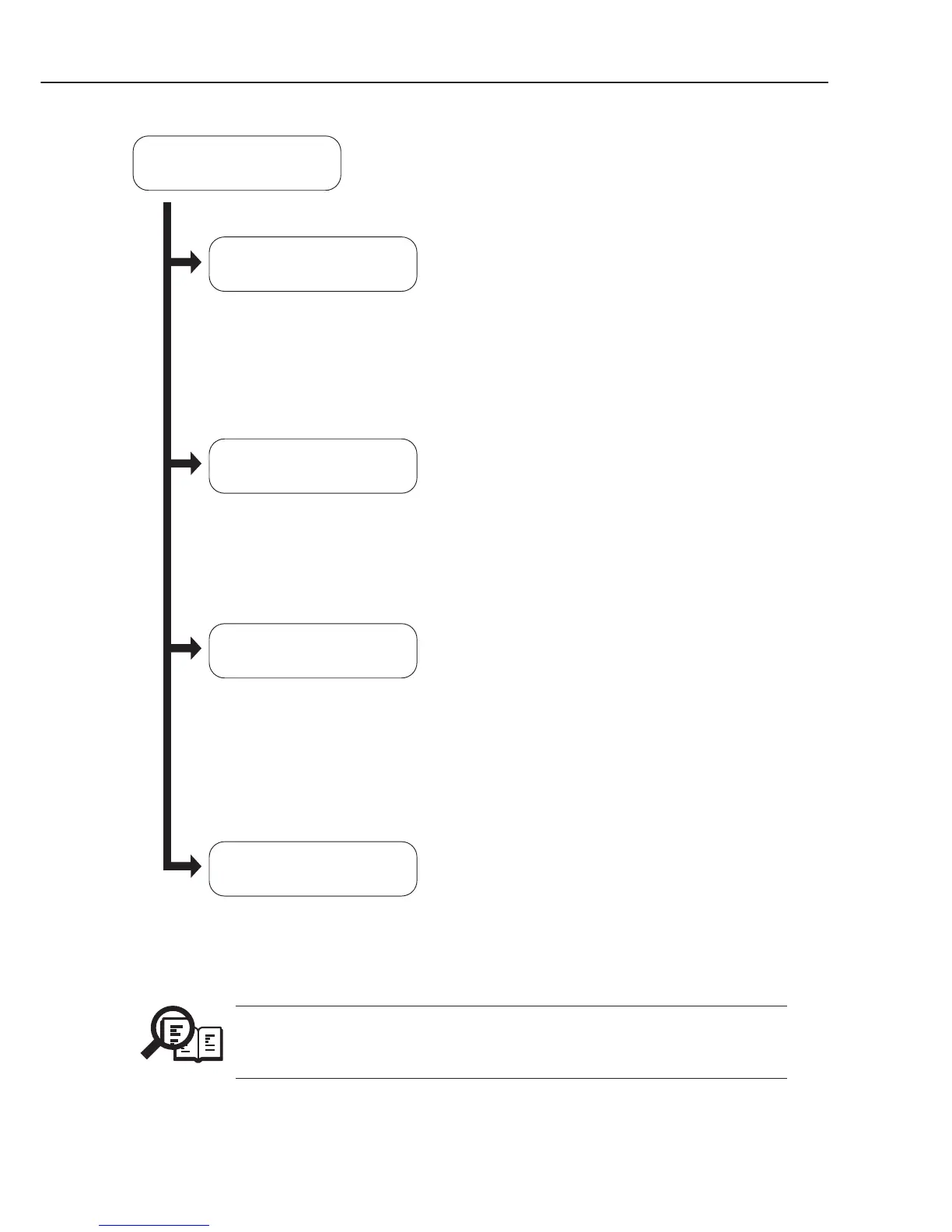
Pressing the 1 key
Pressing the 2 key
DS : Document sensor on/of
DES : Document edge sensor on/of
DOC : Not used
DFS : Not used
COVER : Cartridge cover detection on/of
JAM : Recording paper jam detection on/of
PAPER : Recording paper detection on/of
OVER : Over flow sensor on/of
CRG : Cartridge detection on/of
TN : Toner sensor on/off
CVR : Cartridge cover sensor on/of
OVR : Recording paper over flow detection on/of
FU : Not used
JAM : Recording paper jam detection on/of
PANEL : Not used
6-3: SENSOR
[ 1] --- [ 4]
DS of DES of DOC B4
DFS of
COVER on JAM of
PAPER on OVER of
Pressing the 3 key
CRG on TN on CVR on
OVR of FU on JAM of
Pressing the 4 key
PANEL 2
Figure 4-23 Sensor Tests
NOTE
The indication ‘on/of’ of OVR appears after SCNT board recognizes ‘on/of’
of Over flow sensor (OVER), thus ‘on/of’ of OVR is properly indicated 6 sec
after ‘on/of’(OVER) is detected.



 To Next Page