PC-D320/PC-D340/FAX-L400 Chapter 4: Maintenance and Service
4-80
Press Start key.
H pattern displayed
6-7: OPERATION PANEL
HHHHHHHHHHHHHHHHHHHH
HHHHHHHHHHHHHHHHHHHH
Press Start key.
All LCD dots displayed
HHHHHHHHH
HH
Press Start key.
Press Start key.
All LED lamps light on
6-7: OPERATION PANEL
LED TEST
When the entire display
has gone out.
When a key is pressed, the corresponding
character goes out.
When a key is pressed, the corresponding
character goes out.
0123456789*#ABCDEFGH
I KLMNOFGH
abcdefghijklmnop
Press Stop/Rest key to end the test.
'yyyyyy EC/US:yyy' display is normal end.
When the entire display
has gone out.
yyyyyy EC/US:yyy
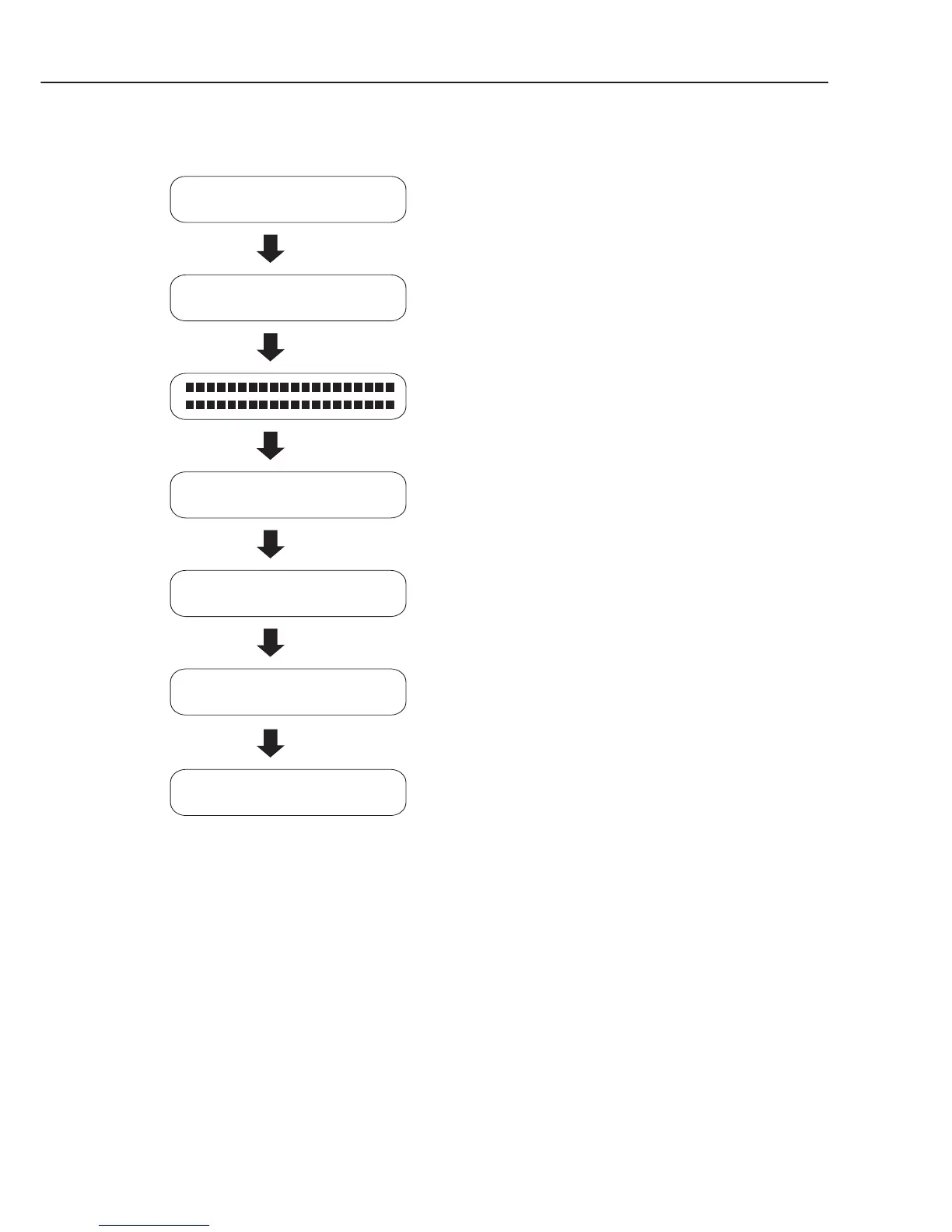
Figure 4-24 Operation Panel Test



 To Next Page