PC-D320/PC-D340/FAX-L400 Chapter 4: Maintenance and Service
4-82
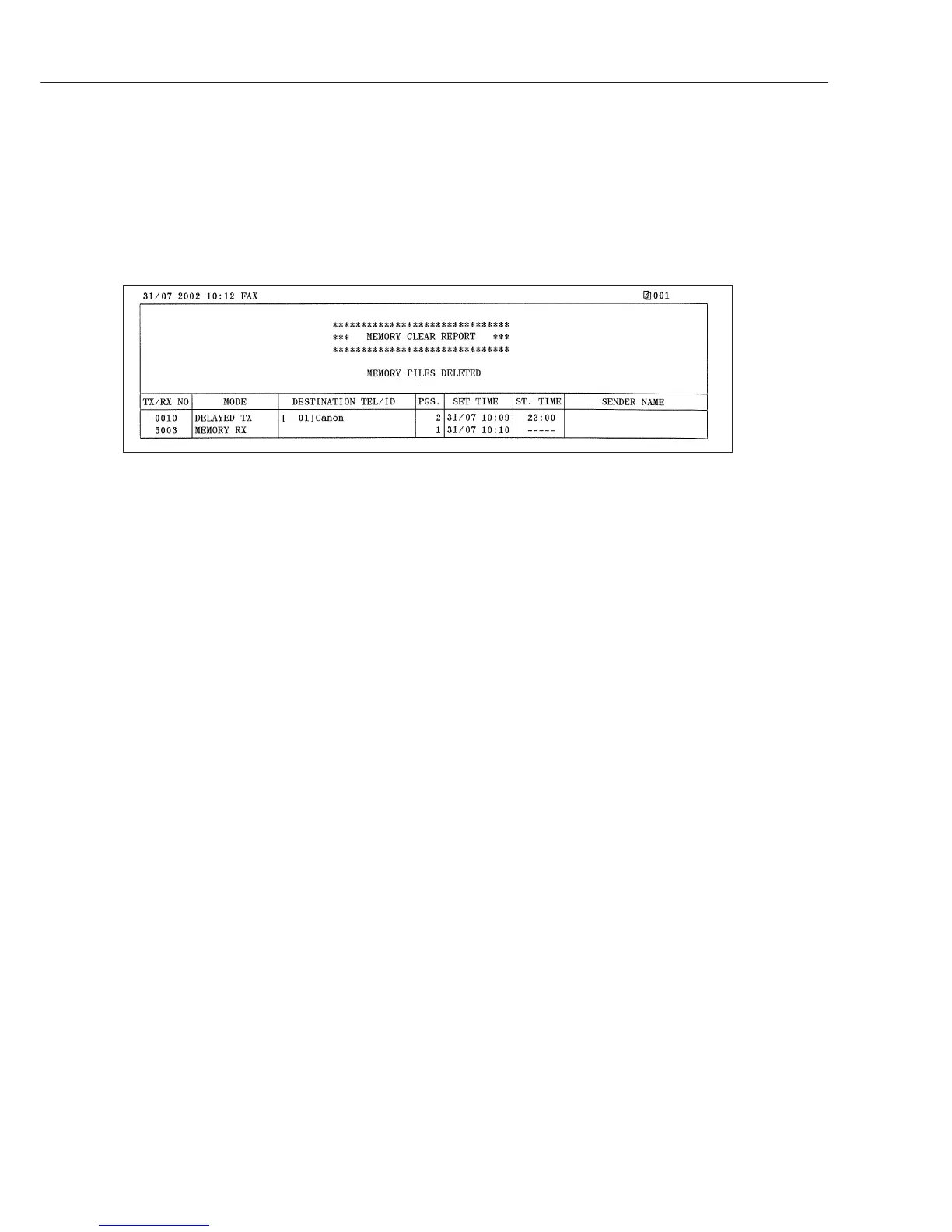
c) Reports output automatically (Memory clear report)
When this fax is turned on and the memory clear report is automatically printed out, the
image data which appears on the report is the data which was deleted without being able to
be backed up. After the memory clear report is printed, the image data management
information is automatically deleted.
Figure 4-25 Memory Clear Report
TX/RX NO : Indicates four digits of the transaction number
MODE : Displays the communication modes of TX, RX, delayed TX,
memory RX, etc.
DESTINATION TEL/ID
: Displays the number and each digit (24 digits) of one-touch
speed dial and coded speed dial.
PGS. : Number of pages are stored in memory
SET TIME : Time when data is stored in memory (24-hour display)
ST. TIME : Displays a start time for delayed TX, etc. (24-hour display)
SENDER NAME : Sender name appended to transmission (up to 24 characters)
Displays a 7-digits department ID (only used when department
ID setup is “ON” ).



 To Next Page