PC-D320/PC-D340/FAX-L400 Chapter 1: General Description
1-14
SOF
1Frame (approx. 1ms)
SOF Printer Other Function
SYNC
Frame
Number
CRC SYNC
Token Data Handshake
PID ADDR ENDP CRCEOP EOP SYNC PID DATA CRC EOP SYNC PID EOP
SOF
Frame Line
Frame Structure
Packet Line
Packet Structure
Time Lapse
b) USB interface
USB is a serial interface which connects up to 127 peripheral devices to a host computer,
and transmits data at a high-speed rate of 12Mbps. Hot plugging, in which connecting/
disconnecting devices while the host or the printer is in use, is supported. Each device is
connected to a hub's port, where each port’s detection/disconnection status is returned to the
host.
Data transfer
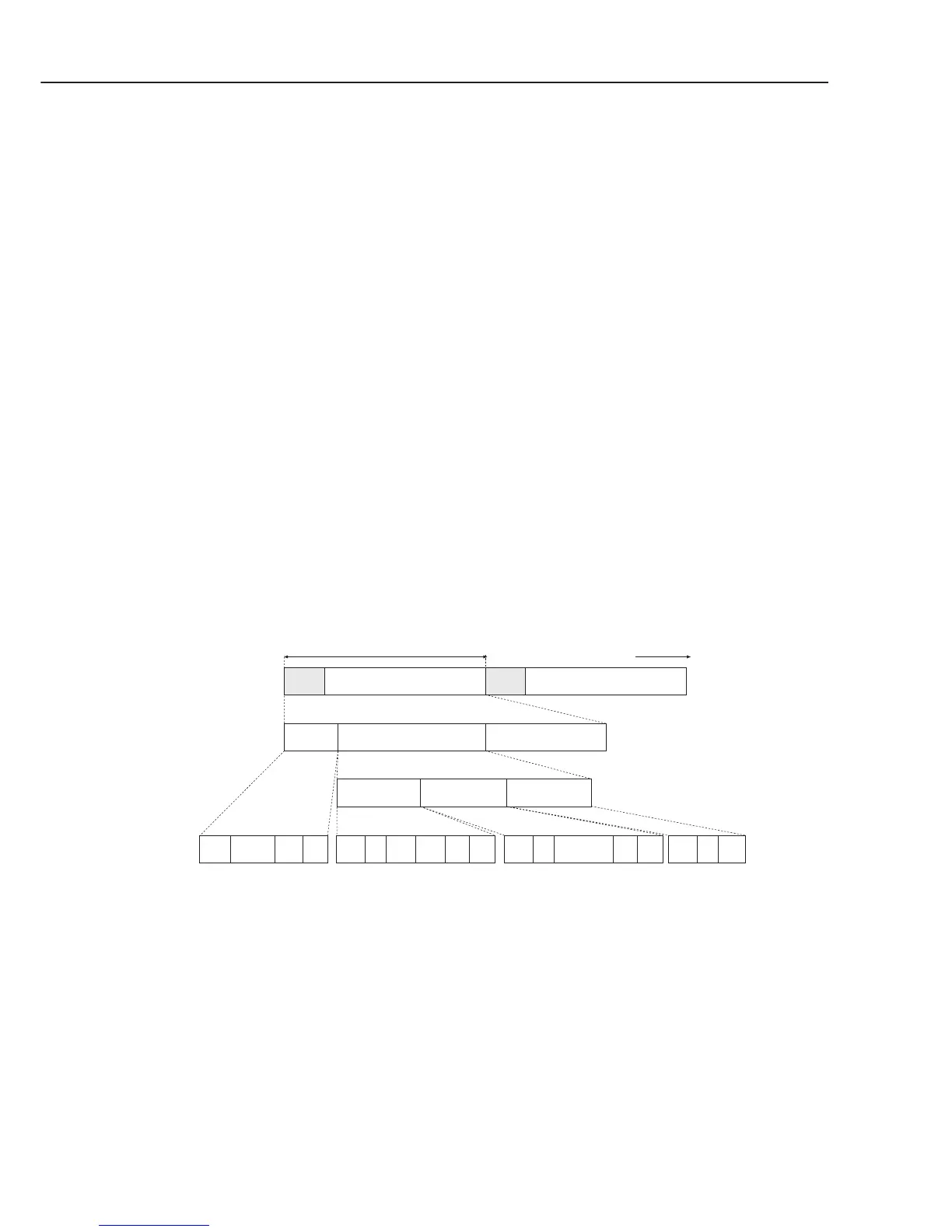
The data transfer in USB is executed in terms of the transfer unit called a frame, a time
frame of approximately 1ms, into which the data is divided. Data is transferred by piling
up these frames.
All packets begin with a SYNC (synchronizing) field to synchronize with the local clock,
and are separated with an EOP (End of Packet) field.
Frame lines begin with an SOF (Start of Frame) packet. An SOF is composed of a PID
(Packet Identification Field) that represents the type of the packet and the direction, frame
number, and a CRC (Cyclic Redundancy Check) used for error-check.
Inside a frame is a packet line containing a token packet, data packet and a handshake
packet, which indicates the status of the flow control.
A token packet is composed of a PID, an address field which can specify up to 128
addresses, an ENDP (endpoint) field, and a CRC.
Inside a data packet are a PID, data field, CRC, and EOP.
Only a PID is present inside the handshake packet.
Figure 1-4 USB Data Transfer



 To Next Page