Canon PC880/860 Operator’s Manual ENGLISH
37
COPYING FEATURES
4
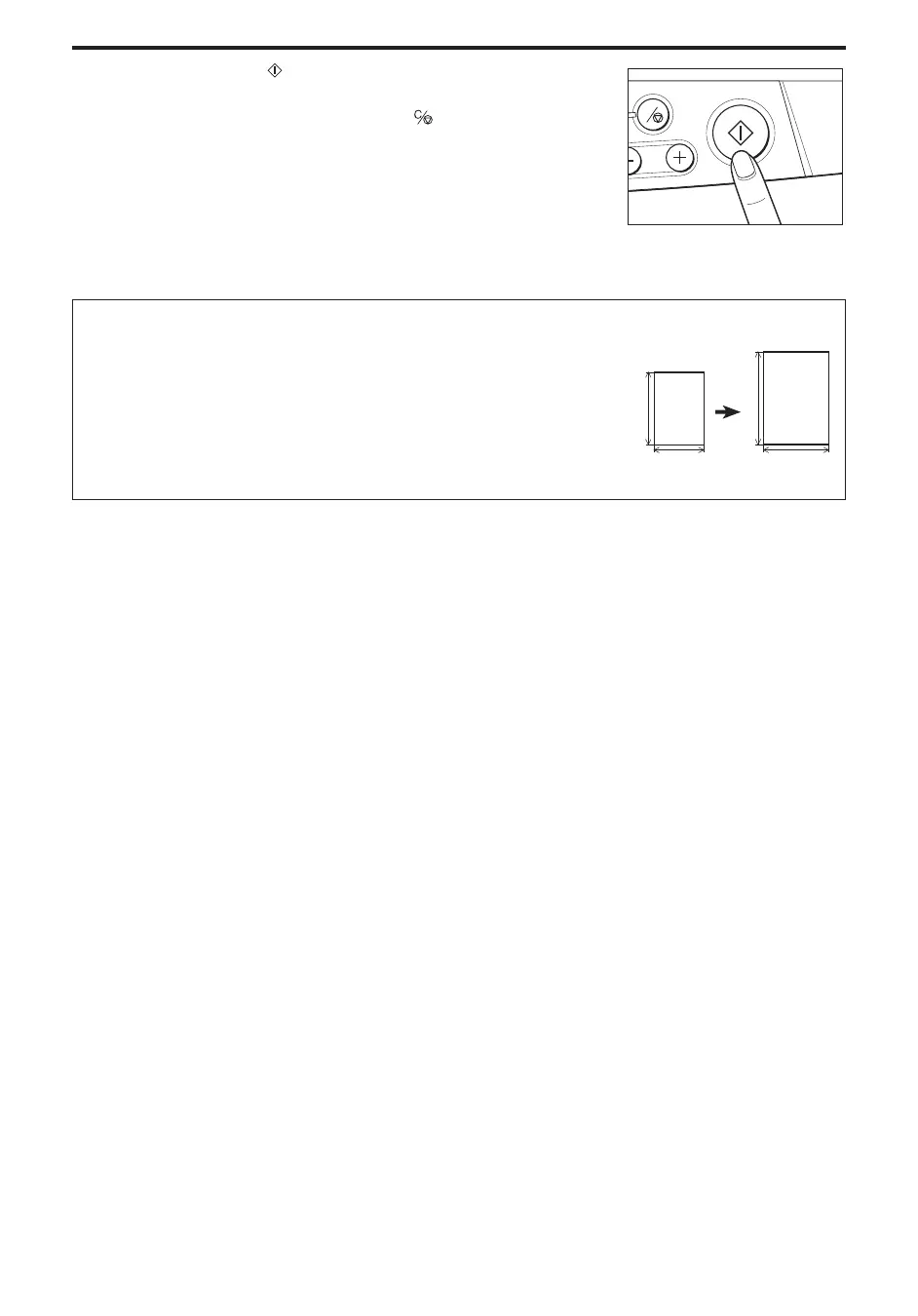
Press the Start ( ) key.
MEMO:
I To stop copying, press the Clear/Stop ( ) key.
C
...............................
How to Calculate the Zoom Ratio
To calculate the Zoom Ratio, follow the procedure described below:
(Desired Copy Size) v (Original Size) × 100
You can choose from two different formulas to calculate the Zoom ratio:
(X’ v X × 100) or (Y’ v Y × 100)



 To Next Page