Canon PC880/860 Operator’s Manual ENGLISH
46
Troubleshooting
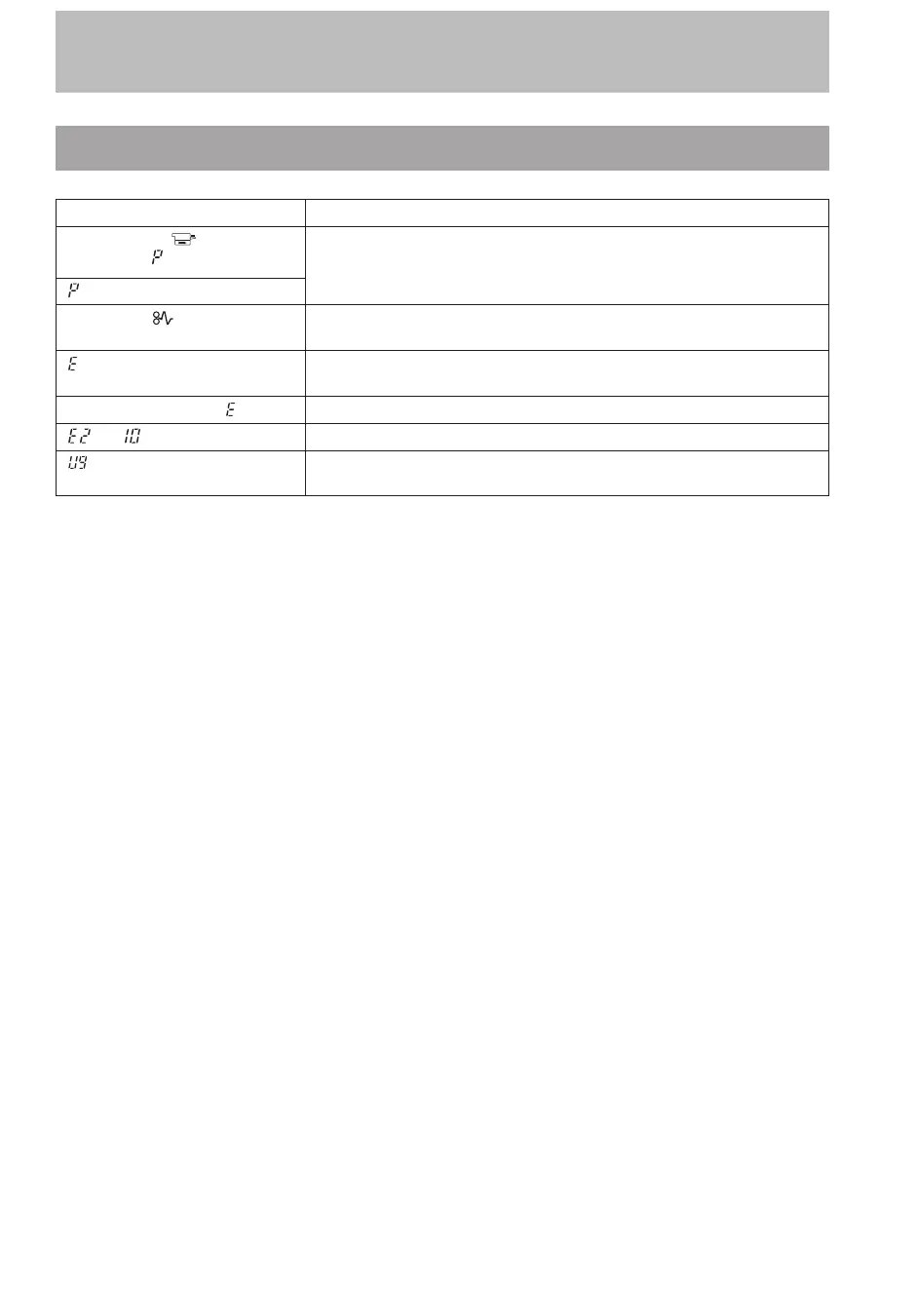
Error Indicators
Indicator Alarms Causes
Paper Supply (
) indicator
flashes and
lights (PC880)
Paper needs to be loaded in the cassette* or the Multi-stack bypass
(PC880). (See p. 47.)
* The indication is the same when the optional universal cassette (250 sheets) is
being used.
lights (PC860)
Paper Jam (
) indicator
flashes
There is a paper jam. (See p. 48.)
and another number flash
alternately
The copier is not operating as usual and needs repair. (See p. 50.)
Power turns OFF after
lights The copier is not operating as usual and needs repair. (See p. 50.)
and flash alternately The attachments are not removed. (See p. 15.)
lights The Exposure Mode Select key was held down for four or more
seconds. (See p. 50.)



 To Next Page