Canon PC880/860 Operator’s Manual ENGLISH
41
Replacing and Storing the Cartridge
When to Replace the Cartridge
The cartridge is a consumable item and should be replaced when the toner runs out.
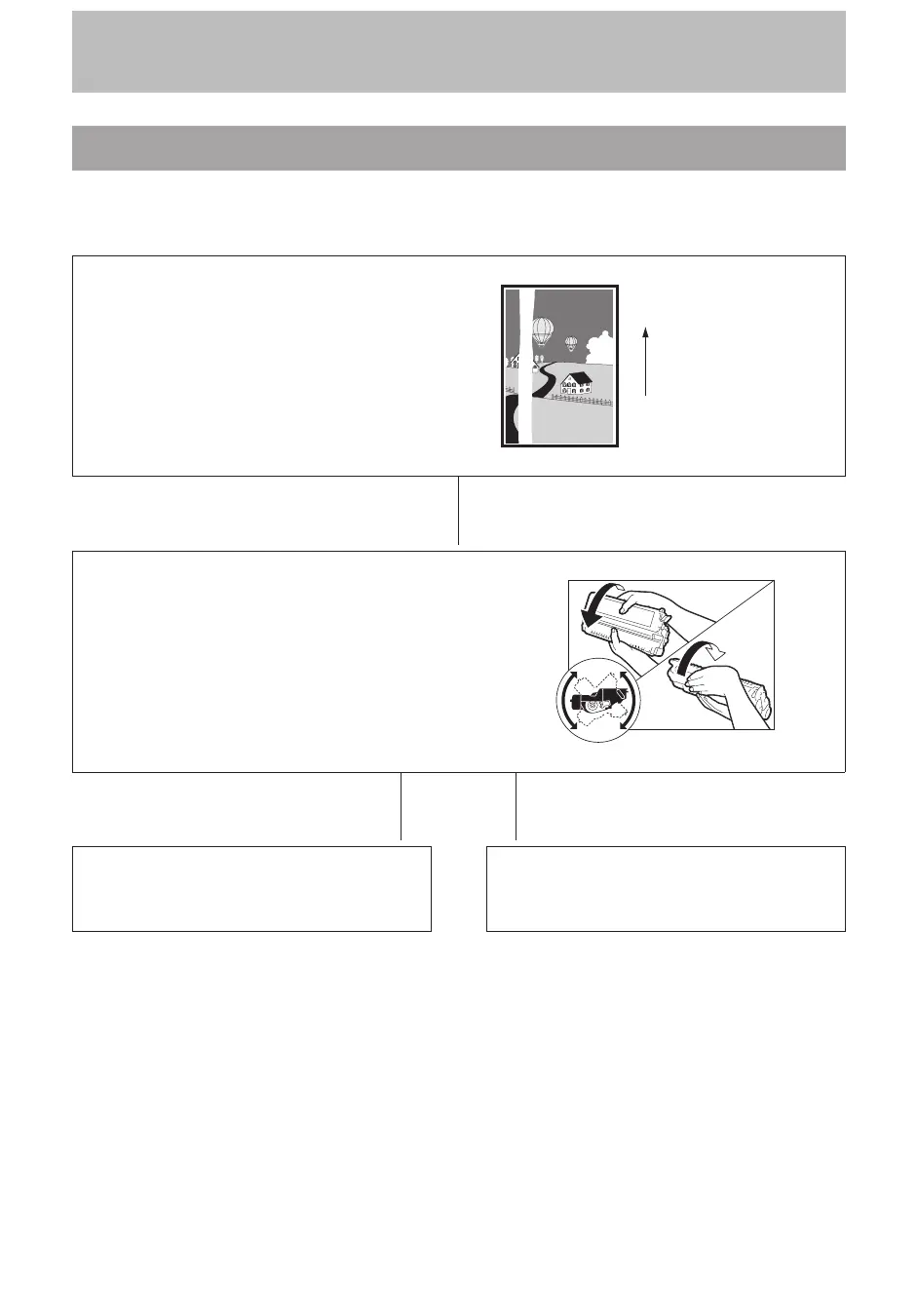
The following guidelines will help you to determine when to replace the cartridge.
White streaks or light bands on copies indicate
that the toner in the cartridge has run low.
Paper feeding
direction
N
Remove the cartridge from the copier. Hold the
cartridge level and rock it several times at a 90!
angle.
Re-install the cartridge in the copier. (See p. 44.)
Then, make a few test copies.
N
If the copies appear normal
N
If white streaks or light bands are still
present
You can use the cartridge, however, a new one
will be needed soon.
Replace the cartridge with a new one. (See
p. 44.)



 To Next Page