Canon PC880/860 Operator’s Manual ENGLISH
53
TROUBLESHOOTING
If Copies Are Too Dark/Light
If copies are too dark or too light when the AE (Automatic Exposure Control) is set, adjust the copy exposure as
described below.
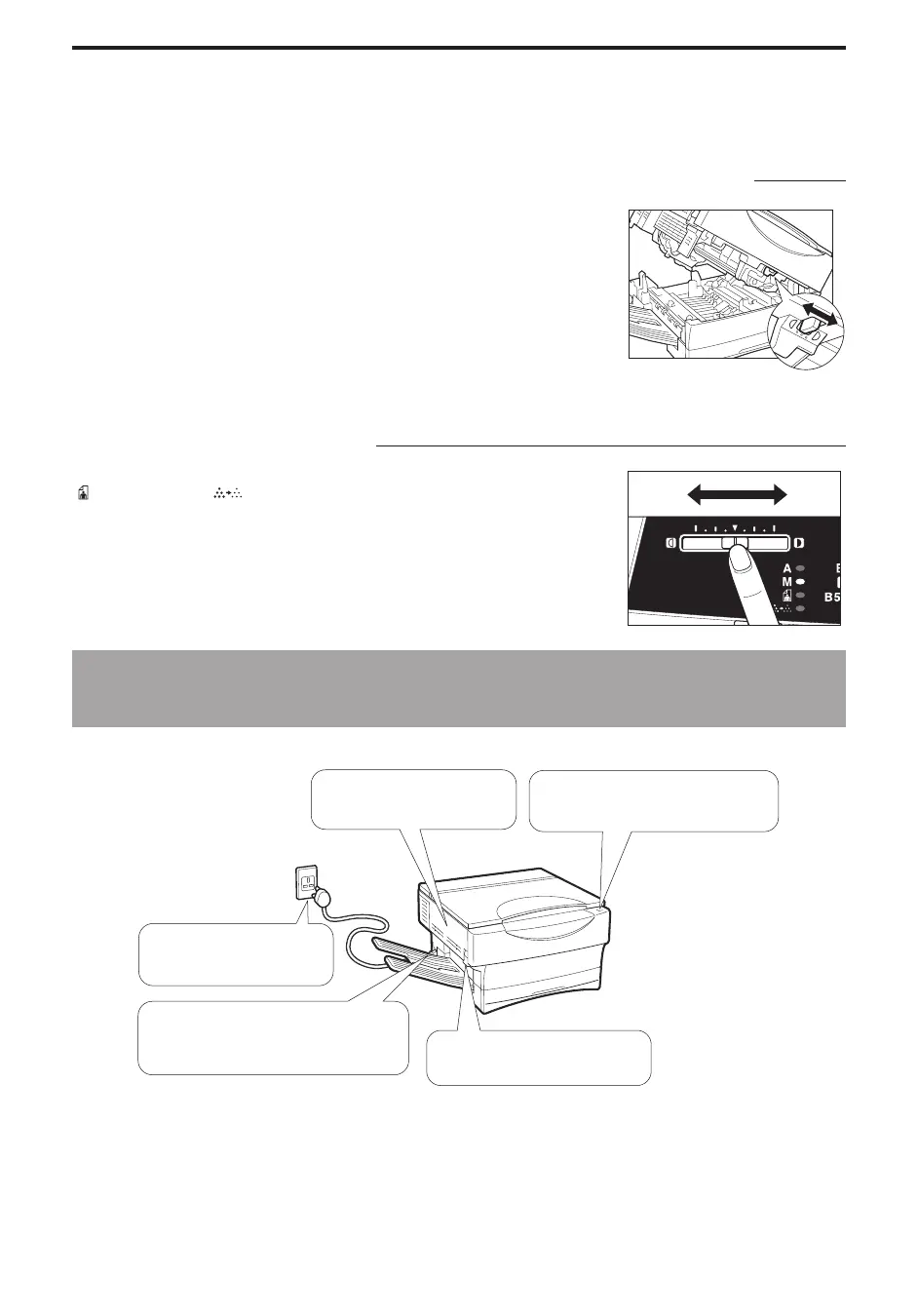
Making Adjustment Using the Exposure Recalibration Switch
The switch has three positions.
To make darker copies, move the switch to the right.
To make lighter copies, move the switch to the left.
Making Adjustment Using the Copy Exposure Adjustment Lever
(Manual Exposure Control)
Press the Exposure Mode Select key to select Manual Exposure (M), Photo
(
) or Toner Saver ( ). Adjust the copy exposure level by sliding the
Exposure Adjustment lever. (See p. 33.)
To make darker copies, move the lever to the right.
To make lighter copies, move the lever to the left.
If the Copier Will Not Operate
(If the Power Does Not Turn ON)
Is the attachment removed?
Q If not, remove the
attachment.
Is the power turned ON?
Q If not, firmly press the power switch
ON.
Is the copier plugged in?
Q If not, connect the power
plug to a wall outlet.
Is the copier plug inserted all the way
into the copier power inlet?
Q If not, insert it in all the way. Is the top cover closed?
Q If not, securely close the top
cover.



 To Next Page