88
Various Functions
z Using the software and computer to
download images:
J See the Software Starter Guide.
z Using the Camera to Download Images
(Direct Transfer Function):
J See Downloading Images by Direct Transfer
(below).
Downloading Images by Direct
Transfer
Use this method to download images using
camera operations.
Install the supplied software and adjust the
computer settings before using this method
for the first time (p. 86).
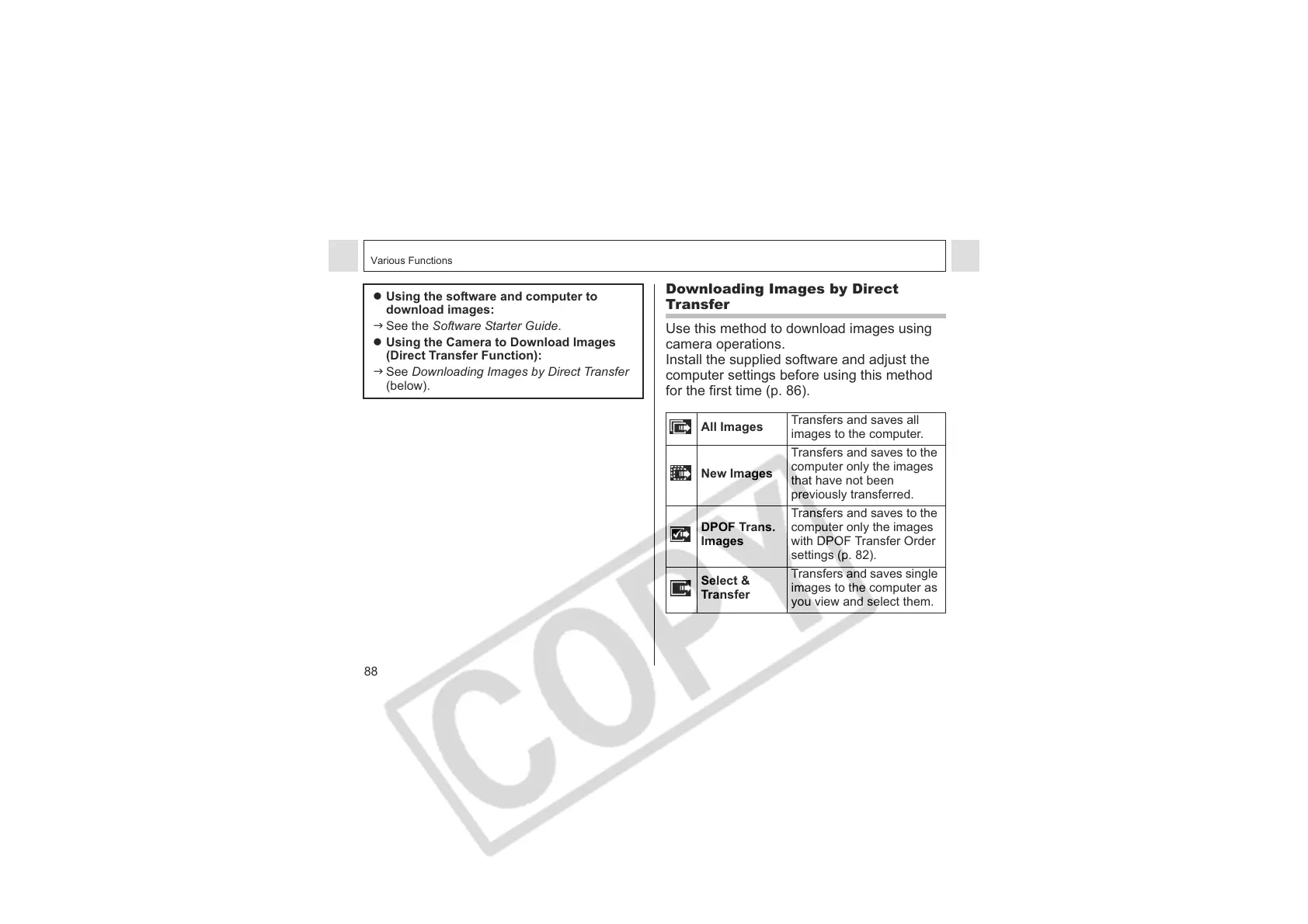
All Images
Transfers and saves all
images to the computer.
New Images
Transfers and saves to the
computer only the images
that have not been
previously transferred.
DPOF Trans.
Images
Transfers and saves to the
computer only the images
with DPOF Transfer Order
settings (p. 82).
Select &
Transfer
Transfers and saves single
images to the computer as
you view and select them.












 To Next Page