89
Various Functions
1
Confirm that the
Direct Transfer
menu is displayed
on the camera's
LCD monitor.
z The button will light
blue.
z Press the MENU button if the Direct Transfer
menu fails to appear.
All Images/New Images/DPOF Trans.
Images
2
Use or to
select , or
and press the
button.
Wallpaper
Transfers and saves single
images to the computer as
you view and select them.
The transferred images
display on the computer
desktop.
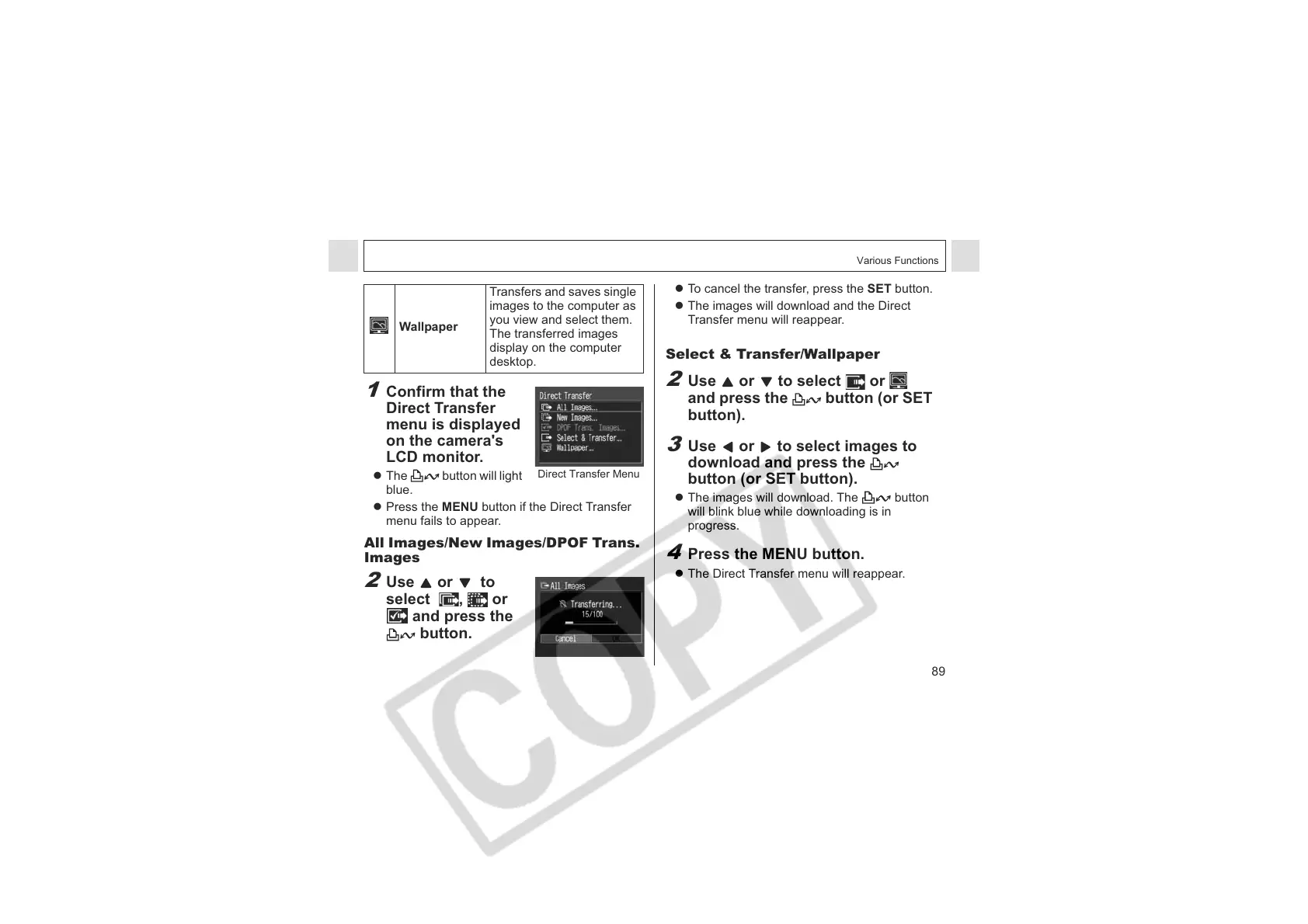
Direct Transfer Menu
z To cancel the transfer, press the SET button.
z The images will download and the Direct
Transfer menu will reappear.
Select & Transfer/Wallpaper
2
Use or to select or
and press the button (or SET
button).
3
Use or to select images to
download and press the
button (or SET button).
z The images will download. The button
will blink blue while downloading is in
progress.
4
Press the MENU button.
z The Direct Transfer menu will reappear.












 To Next Page