95
Various Functions
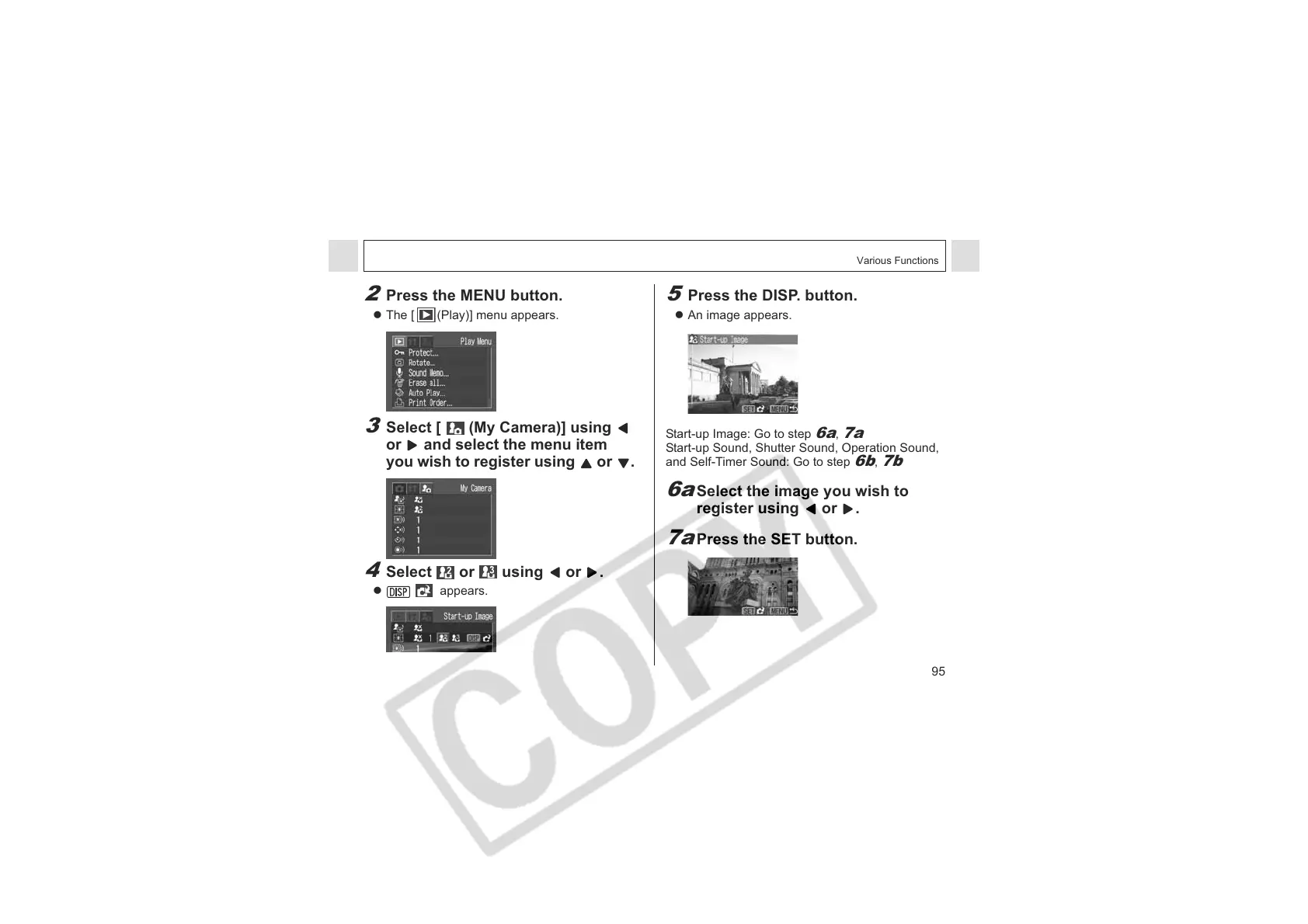
2
Press the MENU button.
z The [ (Play)] menu appears.
3
S
elect [ (My Camera)] using
or and select the menu item
you wish to register using or
.
4
Select or using or .
z appears.
5
Press the DISP. button.
z An image appears.
Start-up Image: Go to step
6a
,
7a
Start-up Sound, Shutter Sound, Operation Sound,
and Self-Timer Sound: Go to step
6b
,
7b
6a
Select the image you wish to
register using or .
7a
Press the SET button.












 To Next Page