96
Various Functions
6b
Select (Record) using or
and press the SET button.
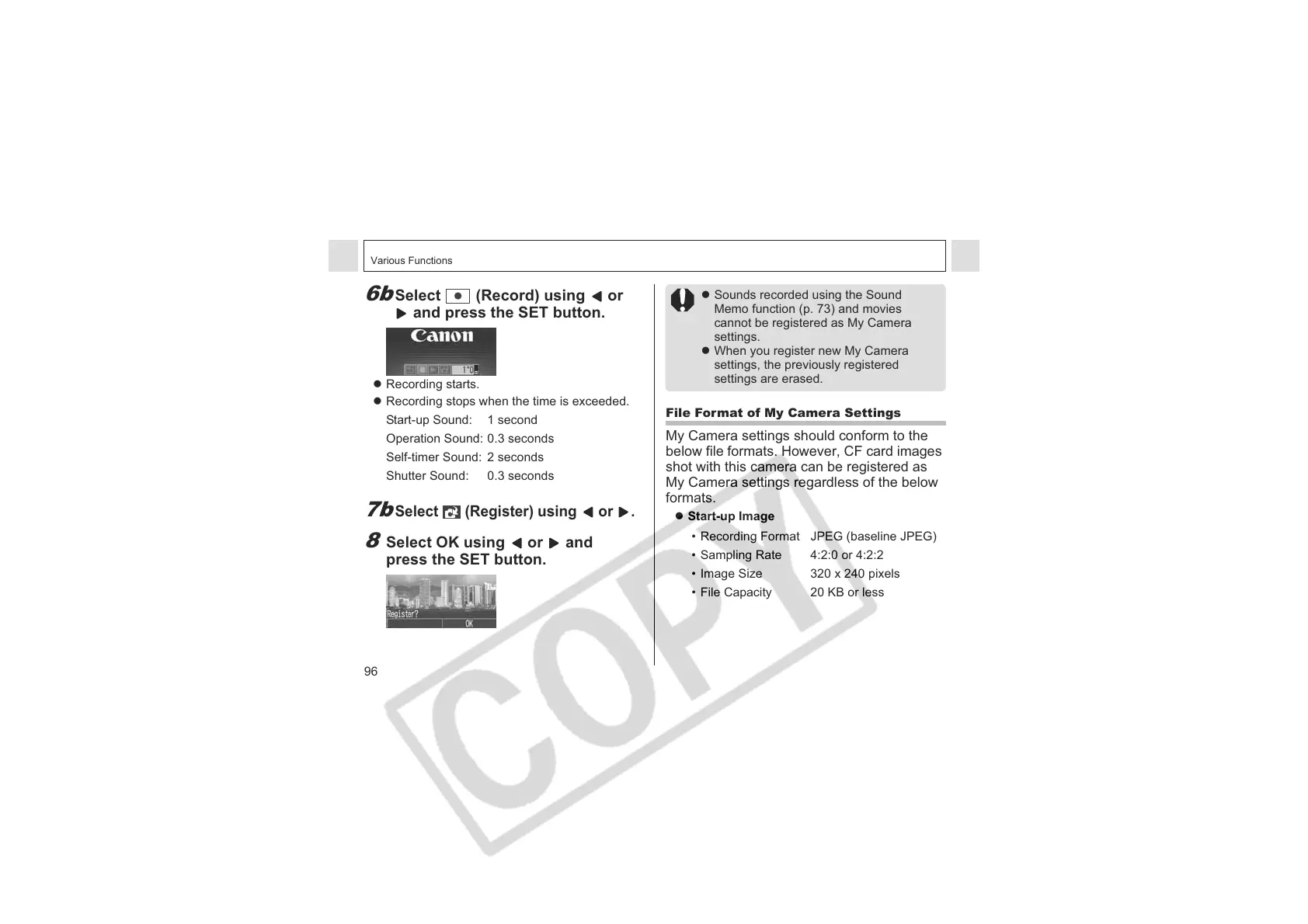
z Recording starts.
z Recording stops when the time is exceeded.
7b
Select (Register) using or .
8
Select OK using or and
press the SET button.
Start-up Sound: 1 second
Operation Sound: 0.3 seconds
Self-timer Sound: 2 seconds
Shutter Sound: 0.3 seconds
z Sounds recorded using the Sound
Memo function (p. 73) and movies
cannot be registered as My Camera
settings.
z When you register new My Camera
settings, the previously registered
settings are erased.
File Format of My Camera Settings
My Camera settings should conform to the
below file formats. However, CF card images
shot with this camera can be registered as
My Camera settings regardless of the below
formats.
z Start-up Image
• Recording Format JPEG (baseline JPEG)
• Sampling Rate 4:2:0 or 4:2:2
• Image Size 320 x 240 pixels
• File Capacity 20 KB or less












 To Next Page