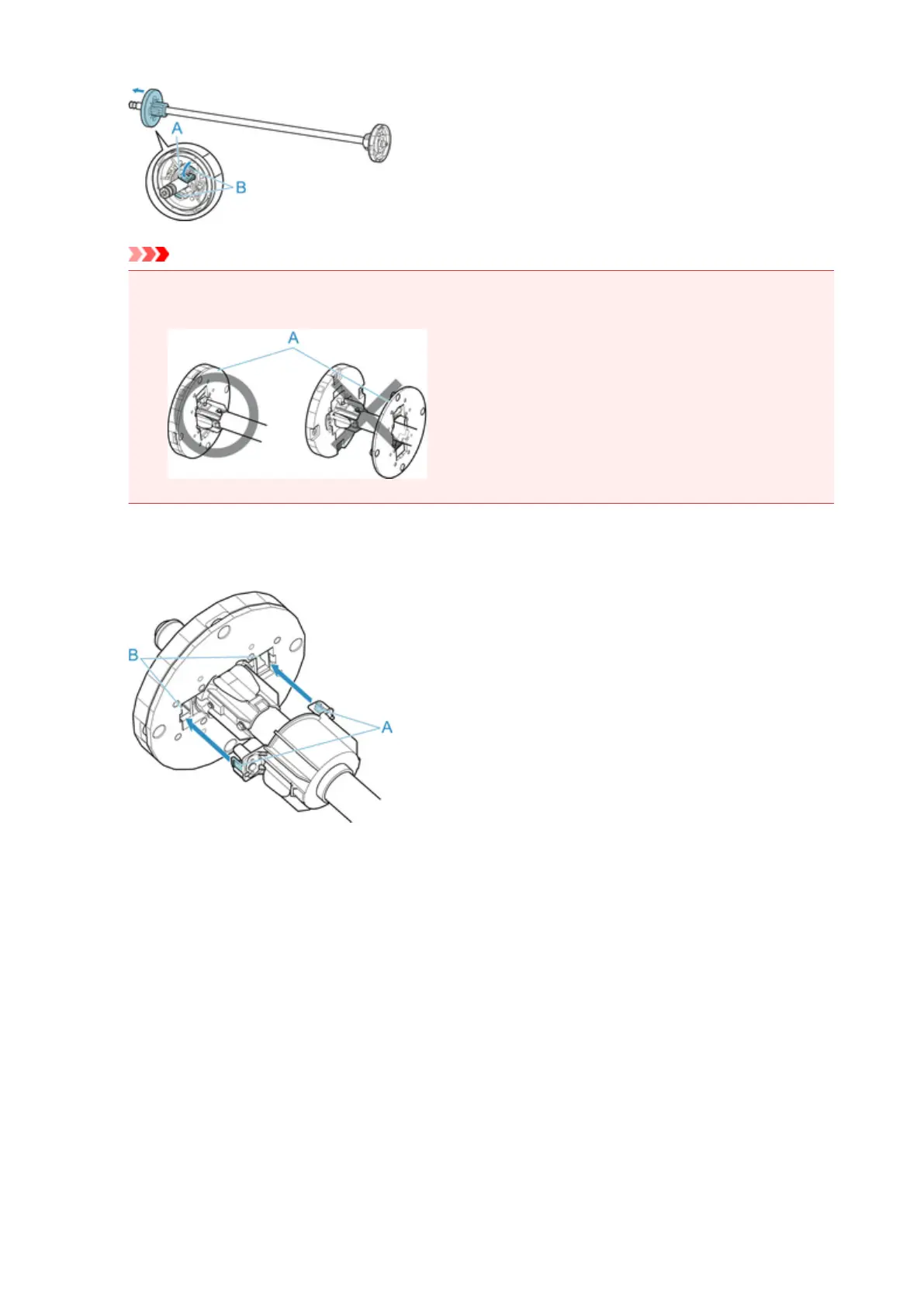
Important
•
Do not use the roll holder for feeding paper with the spacer (A) removed from the flange. It will
result in the paper being sent askew.
2.
If using 3-inch core paper, align 3-Inch Paper Core Attachment tabs (A) with Roll Holder
holes (B) and insert firmly.
3.
With leading edge of roll paper facing forward as shown, insert Roll Holder from right side of
roll. Insert firmly until roll paper touches flange (A) of Roll Holder.
45












 To Next Page