Replacing Ink Tanks
When remaining ink cautions or errors occur, the message will appear on the LCD to inform you of the error.
In this state, the printer cannot print. Take appropriate action according to the message.
An Error Occurs
Note
• If print results become faint or white streaks appear despite sufficient ink levels, see Maintenance
Procedure.
• For precautionary notes on handling ink tanks, see Notes on ink tanks.
Replacing Procedure
When you need to replace an ink tank, follow the procedure below.
1.
Check that printer is turned on.
2.
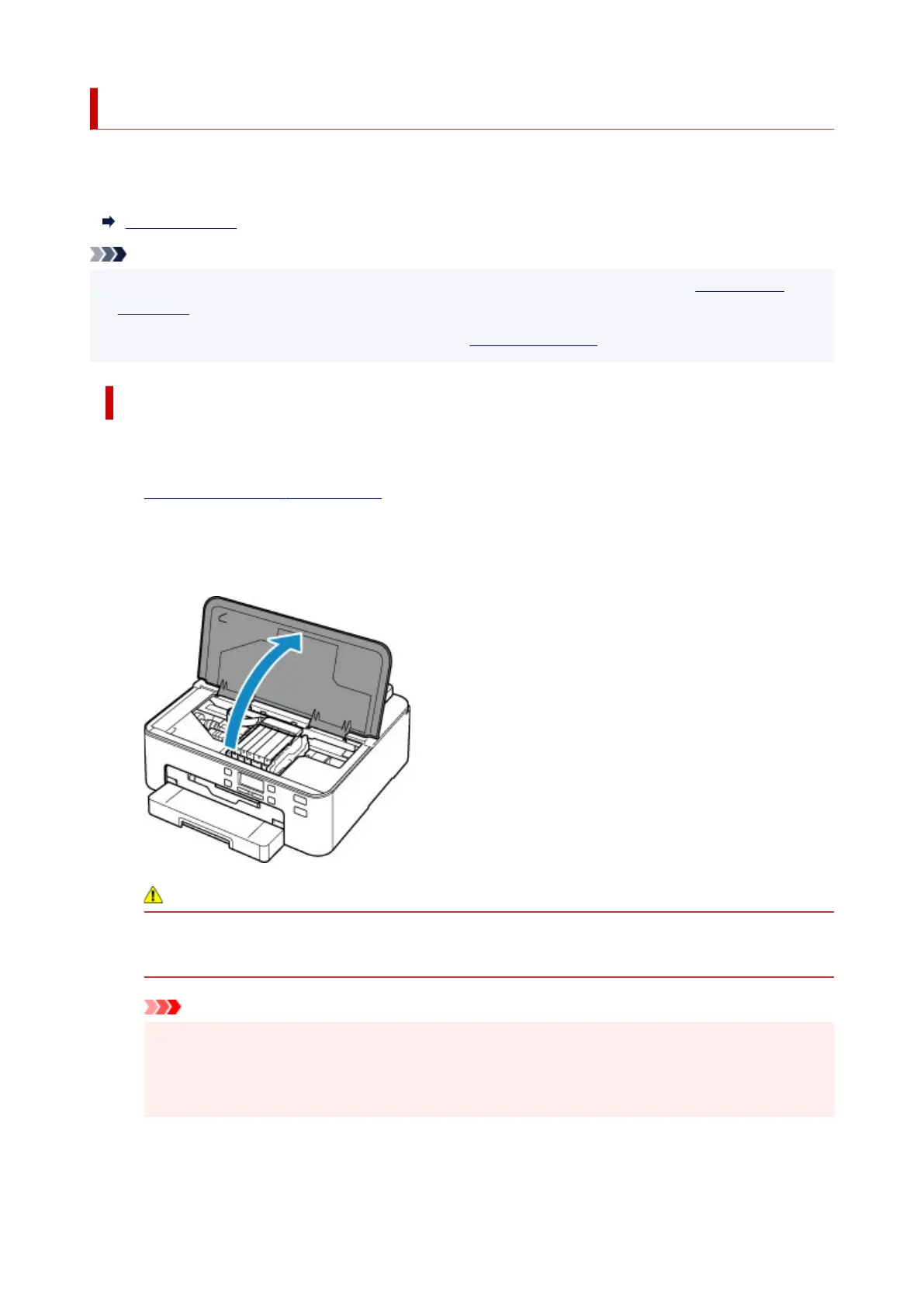
Open top cover.
The print head holder moves to the replacement position.
Caution
•
Do not hold the print head holder to stop or move it forcibly. Do not touch the print head holder
until it stops completely.
Important
•
Do not touch the metallic parts or other parts inside the printer.
•
If the top cover is left open for more than 10 minutes, the print head holder moves to the right.
In this case, close and reopen the top cover.
3. Remove the ink tank where the ink runs out.
124












 To Next Page