Tiling/Poster Printing
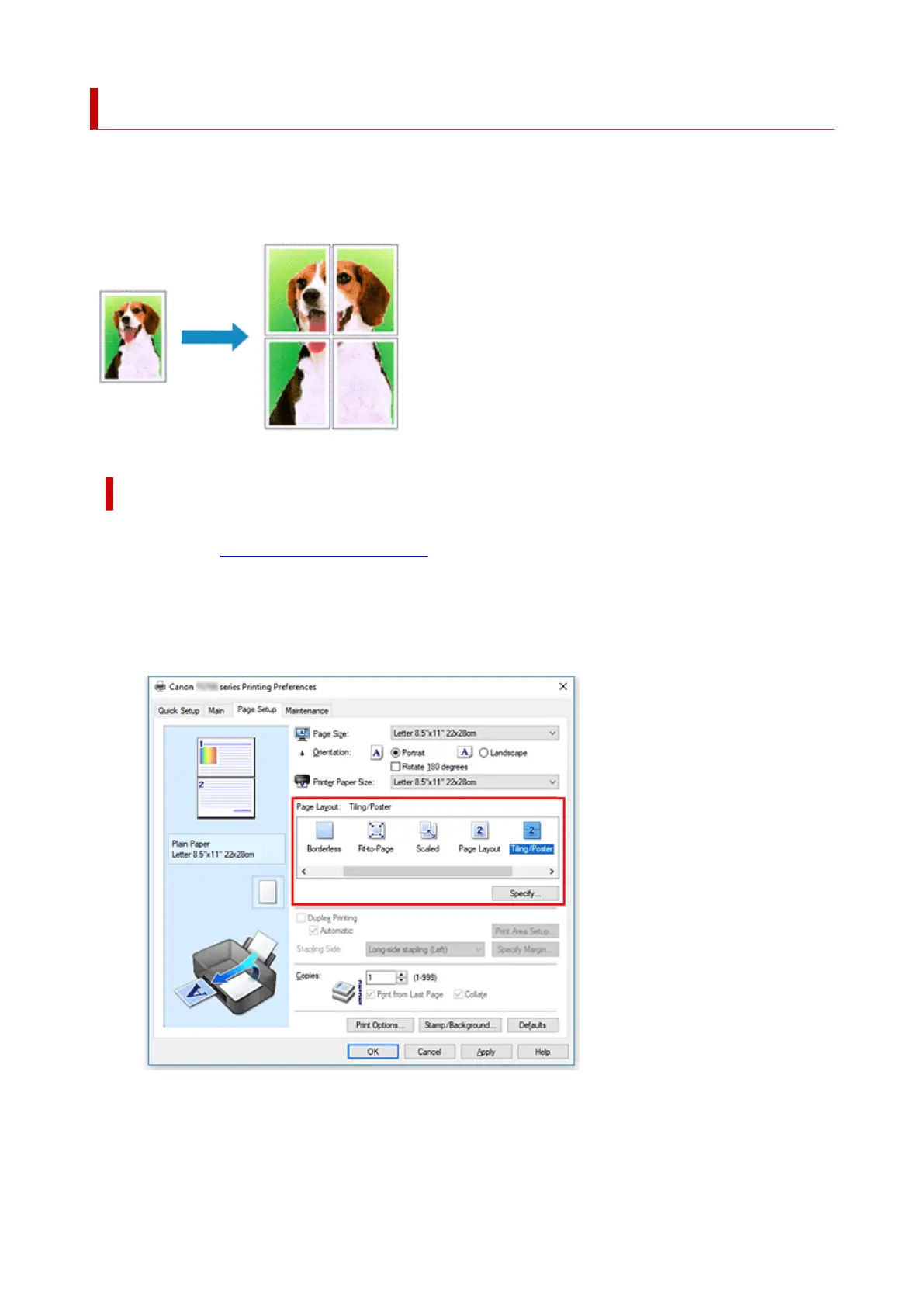
The tiling/poster printing function allows you to enlarge image data, divide it into several pages, and print
these pages on separate sheets of paper. You can also paste the pages together to create a large print like
a poster.
Setting Tiling/Poster Printing
1.
Open the printer driver setup window
2.
Set tiling/poster printing
Select Tiling/Poster from the Page Layout list on the Page Setup tab.
The current settings are displayed in the settings preview on the left side of the printer driver.
3. Select the print paper size
Select the size of the paper loaded in the printer from the Printer Paper Size list.
248












 To Next Page