Removing Jammed Paper from Rear Side
Note
• If paper becomes jammed during printing and you need to turn off the printer to remove it, press the
Stop button to stop the printing before you turn off the printer.
1.
Make sure you have unplugged the power cord.
2.
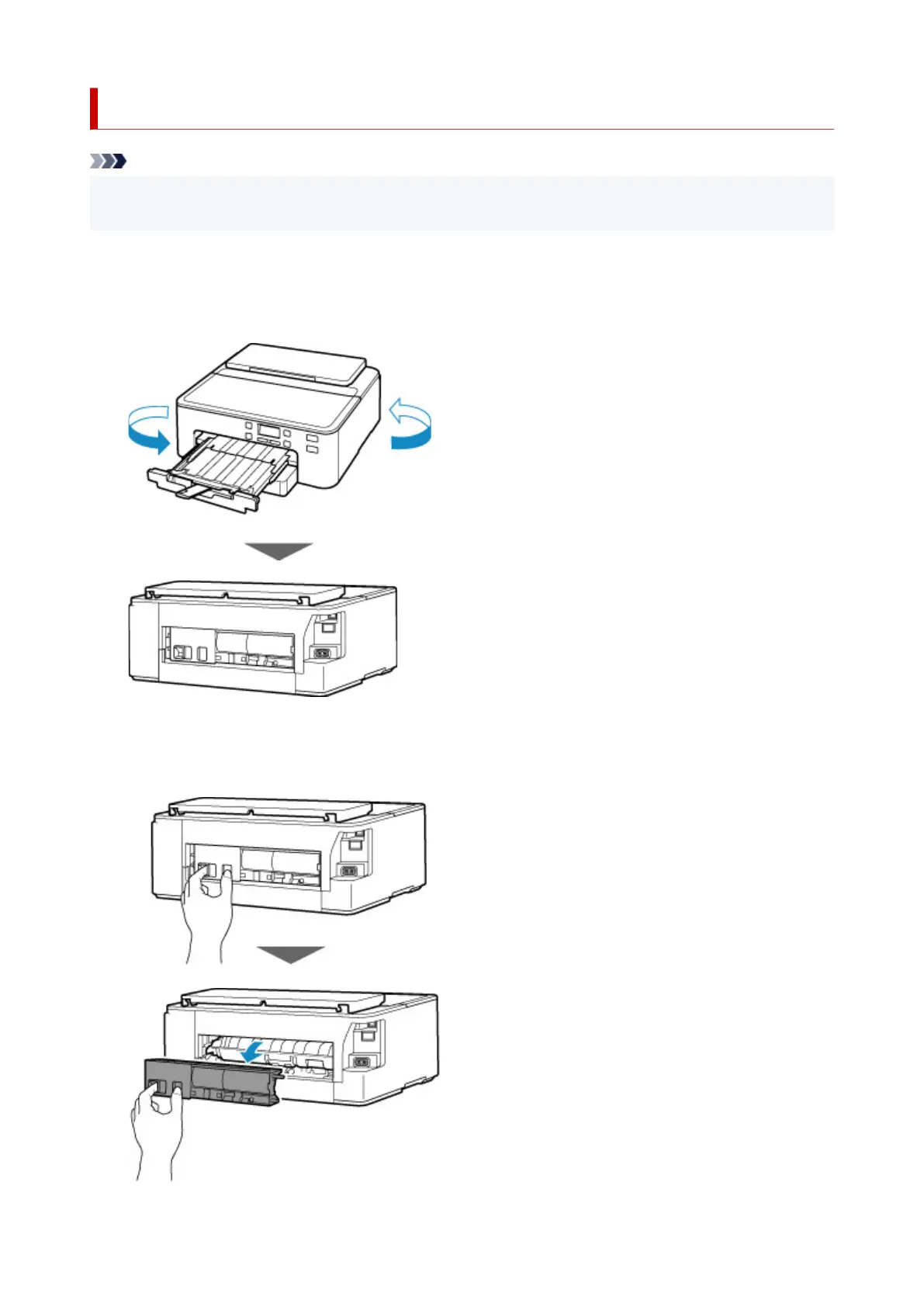
Rotate printer so that rear side of printer faces toward you.
3.
Detach rear cover.
Pull out the rear cover.
403












 To Next Page