Printing a Disc Label from a Computer
This section describes how to print photos on a printable disc with Easy-PhotoPrint Editor.
Important
• Do not mount the multi-purpose tray until the message prompting you to load the printable disc
appears. Doing so can damage the printer.
1.
Start Easy-PhotoPrint Editor.
For Windows:
The procedure below is for a computer running the Windows 10 operating system.
From the Start menu, select (All apps >) Canon Utilities > Easy-PhotoPrint Editor.
For macOS:
From the Go menu in Finder, select Application and double-click the Canon Utilities folder, the Easy-
PhotoPrint Editor folder, and then the Easy-PhotoPrint Editor icon.
2.
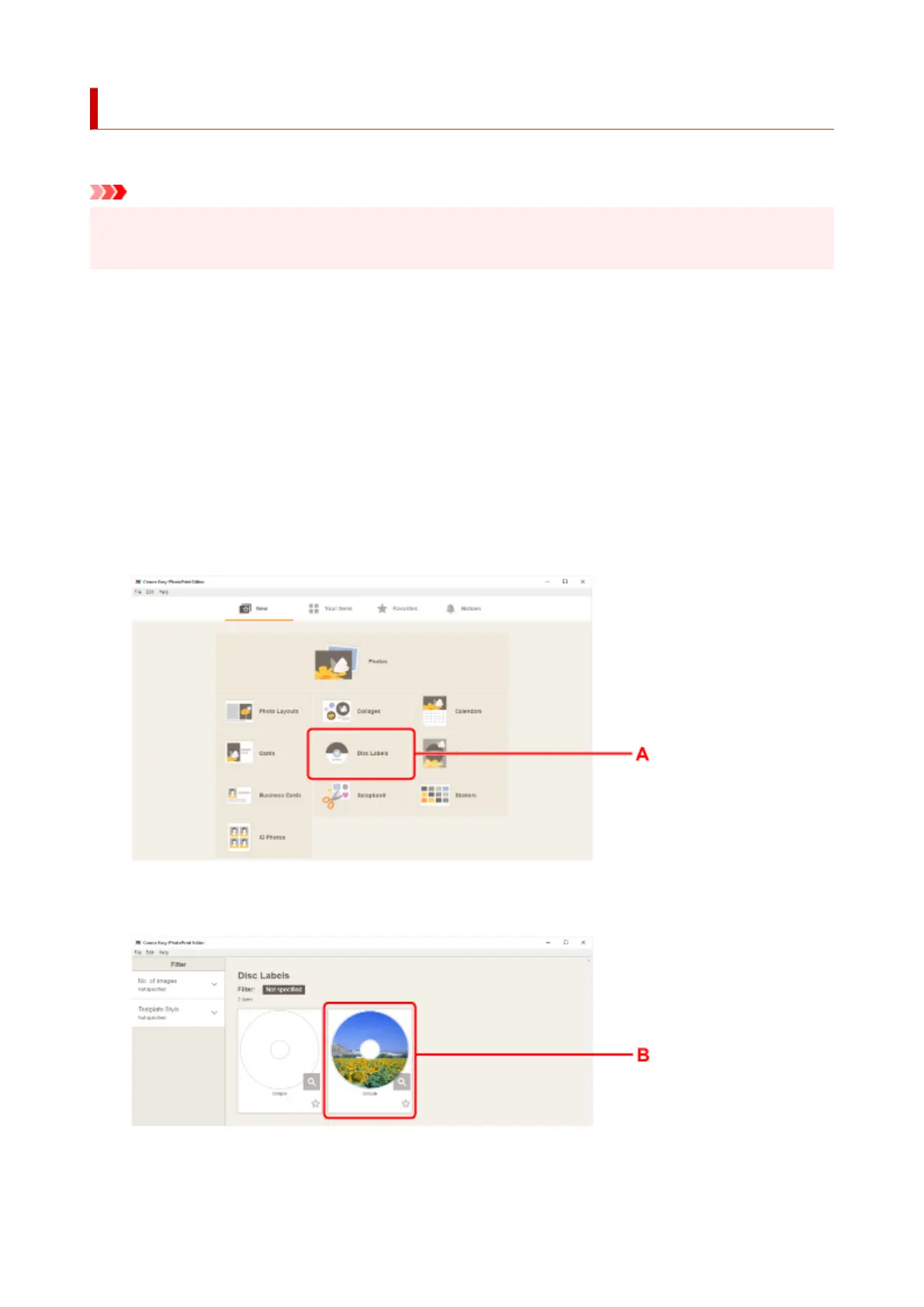
Click Disc Labels icon (A).
3. Select template (B).
4. Select type of printable disc (C) and select Next (D).
38












 To Next Page