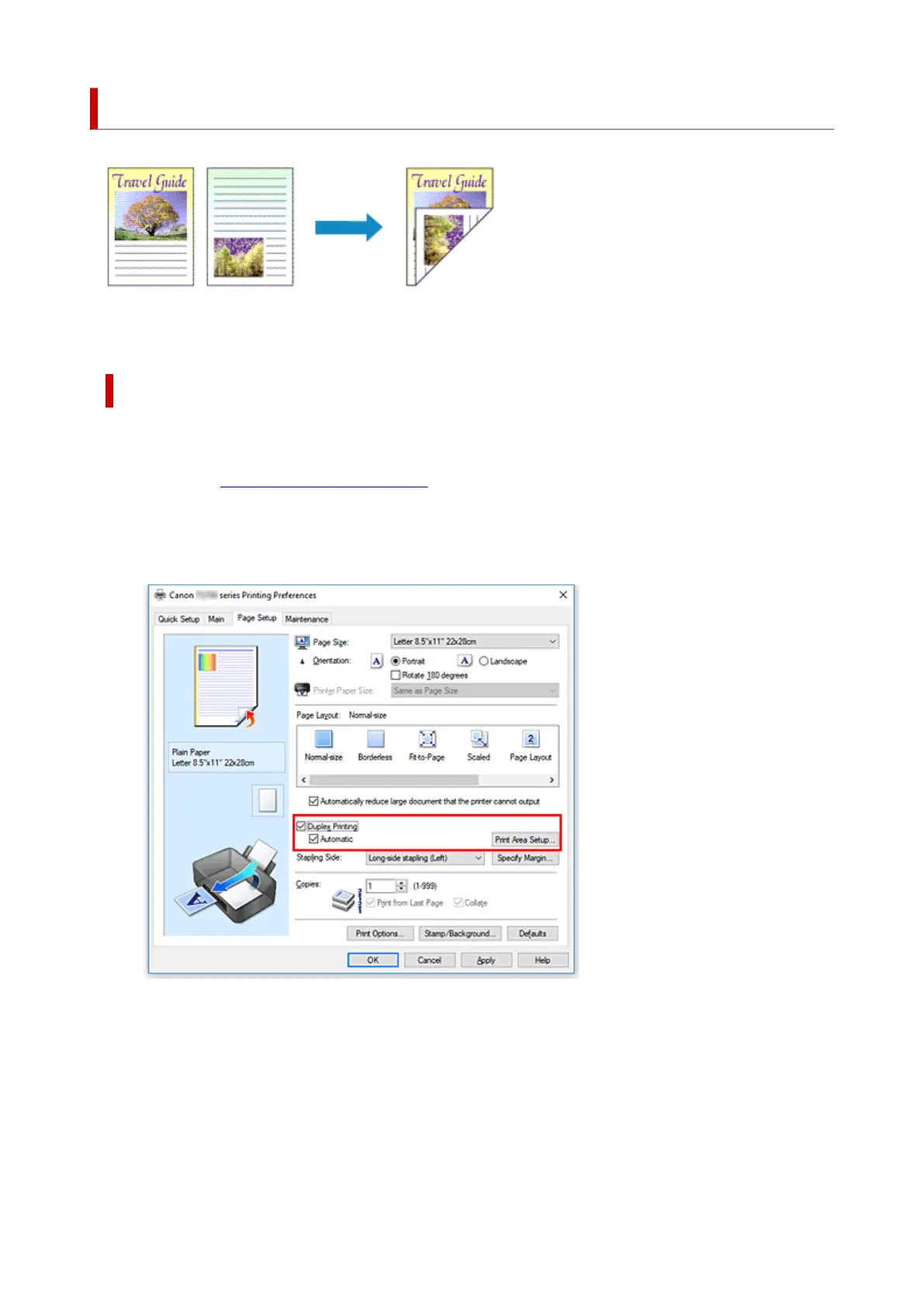
Duplex Printing
You can also set duplex printing in Additional Features on the Quick Setup tab.
Performing Automatic Duplex Printing
You can perform the duplex printing without having to turn over the paper.
1.
Open the printer driver setup window
2.
Set automatic duplex printing
Check the Duplex Printing check box on the Page Setup tab and confirm that Automatic is checked.
3. Select the layout
Select Normal-size, Fit-to-Page, Scaled, or Page Layout from the Page Layout list.
4. Set the print area
251





 To Next Page