Entering Numbers, Letters, and Symbols
The buttons on the operation panel allow you to enter (or change) characters, numbers, or symbols when
setting up the network or making other settings.
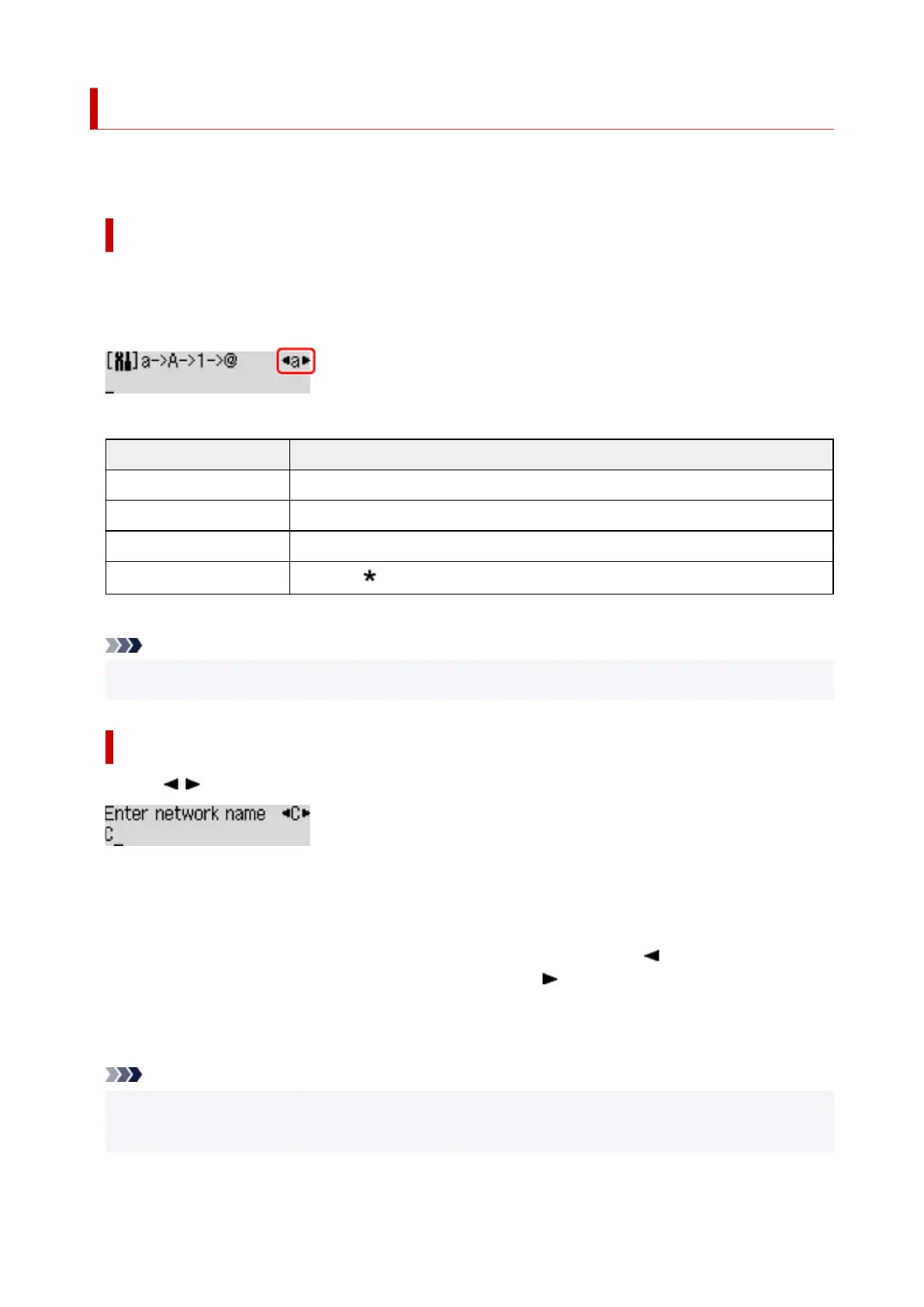
Switching the Input Mode
The current input mode appears at the upper right corner of the LCD.
Pressing the Setup button on the operation panel toggles through the input modes in the order lowercase
> uppercase > numeric > symbols, showing the first available character.
The following shows available characters in each mode.
Mode Available characters
Lowercase abcdefghijklmnopqrstuvwxyz SP
Uppercase ABCDEFGHIJKLMNOPQRSTUVWXYZ SP
Numeric 1234567890 SP
Symbols
. @ - _ SP # ! " , ; : ^ ` = / | ' ? $ % & + ( ) [ ] { } < > \
~
SP: Indicates a space.
Note
• Only the input modes or characters available for input appear in their respective screens.
Entering Numbers, Letters, and Symbols
Use the
button to select a character and press the OK button to input it.
When input of all characters is complete, hold down the OK button. When a confirmation message
appears, select Yes and press the OK button.
•
To insert a space
Switch to the lowercase, uppercase, or numeric mode, and then press the button once.
Alternatively switch to the symbol mode and then press the button four times.
•
To delete the last entered character
Press the Back button. You can only delete the last entered character.
Note
•
To terminate character entry, press the Stop button. When a confirmation message appears, select
Yes and press the OK button.
185












 To Next Page