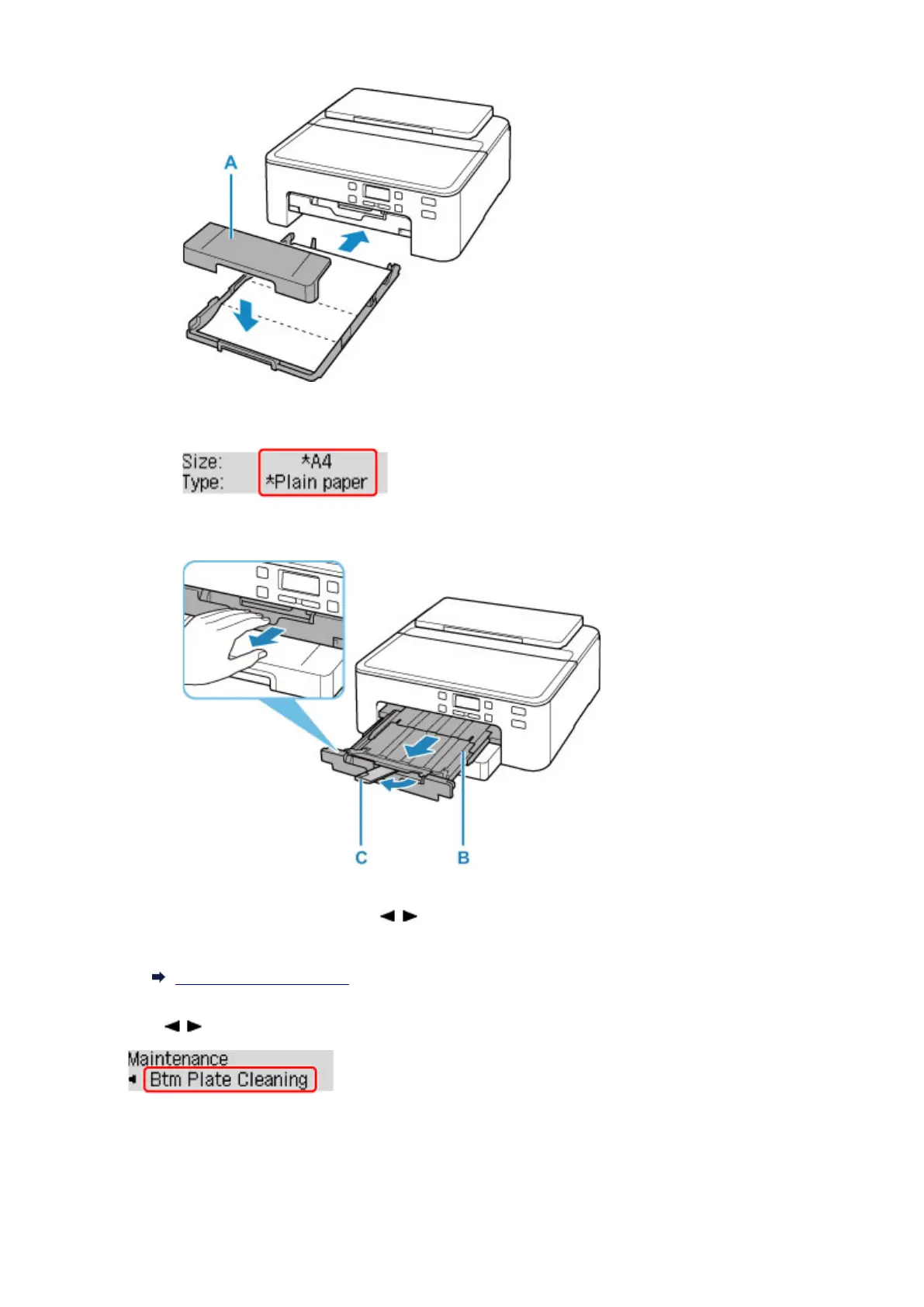
After inserting the cassette into the printer, the paper information registration screen is displayed on the
LCD. Select A4 or Letter for Size:.
5.
Pull out paper output tray (B) and extend paper output support (C).
3. Press the Setup button, use the button to select Maintenance, and press the OK
button.
LCD and Operation Panel
4. Use button to select Btm Plate Cleaning and press OK button.
The paper cleans the inside of the printer as it feeds through the printer.
Check the folded parts of the ejected paper. If they are smudged with ink, perform Bottom Plate Cleaning
again.
143












 To Next Page