Important
•
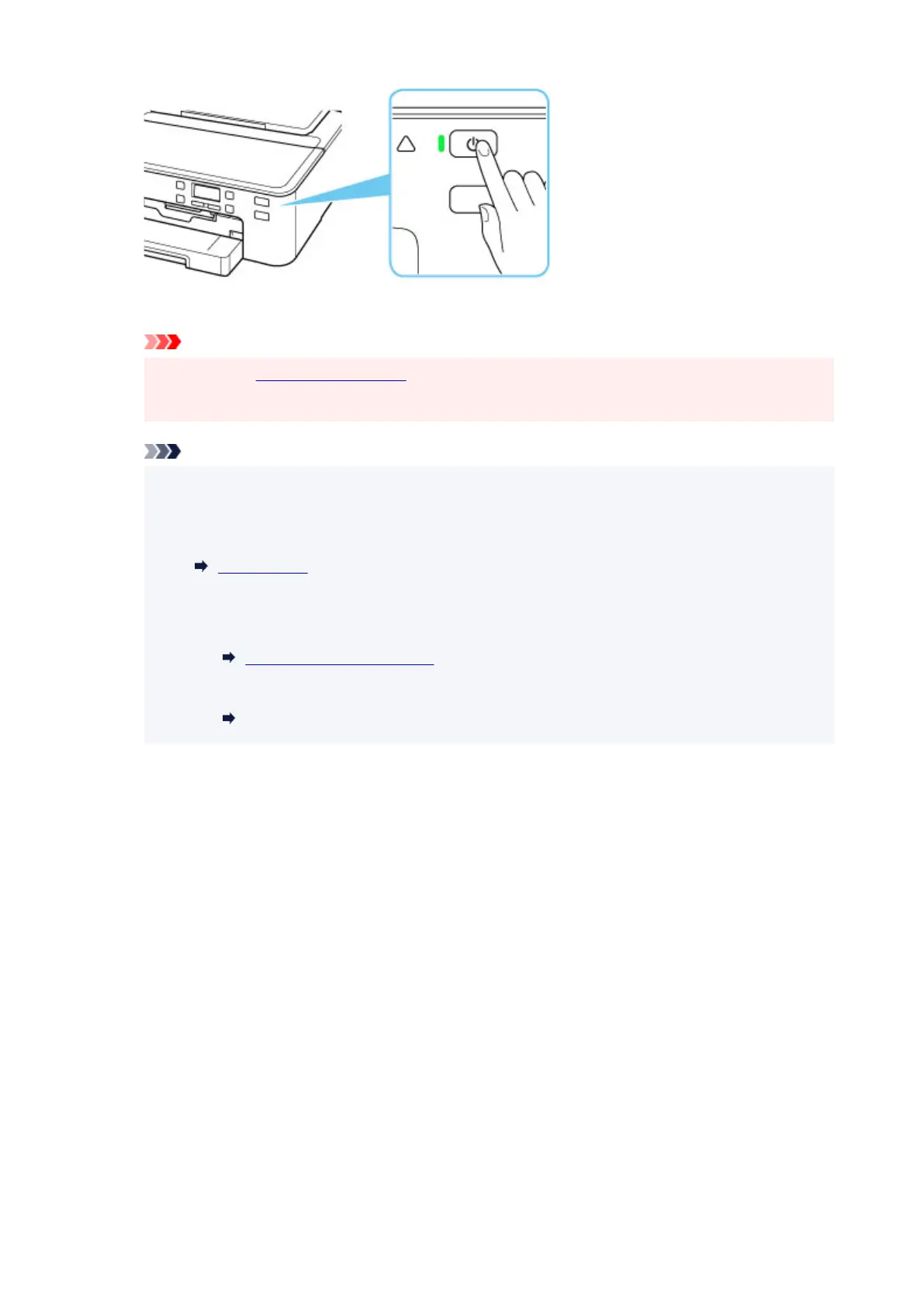
When you unplug the power cord after turning off the printer, be sure to confirm that the ON
lamp is off.
Note
•
You can set the printer to automatically turn off when no operations are performed or no print
jobs are sent to the printer for a certain interval. This feature is set to on by default.
From the printer
ECO settings
From the computer
• For Windows:
Managing the Printer Power
• For macOS:
Managing the Printer Power
180





 To Next Page