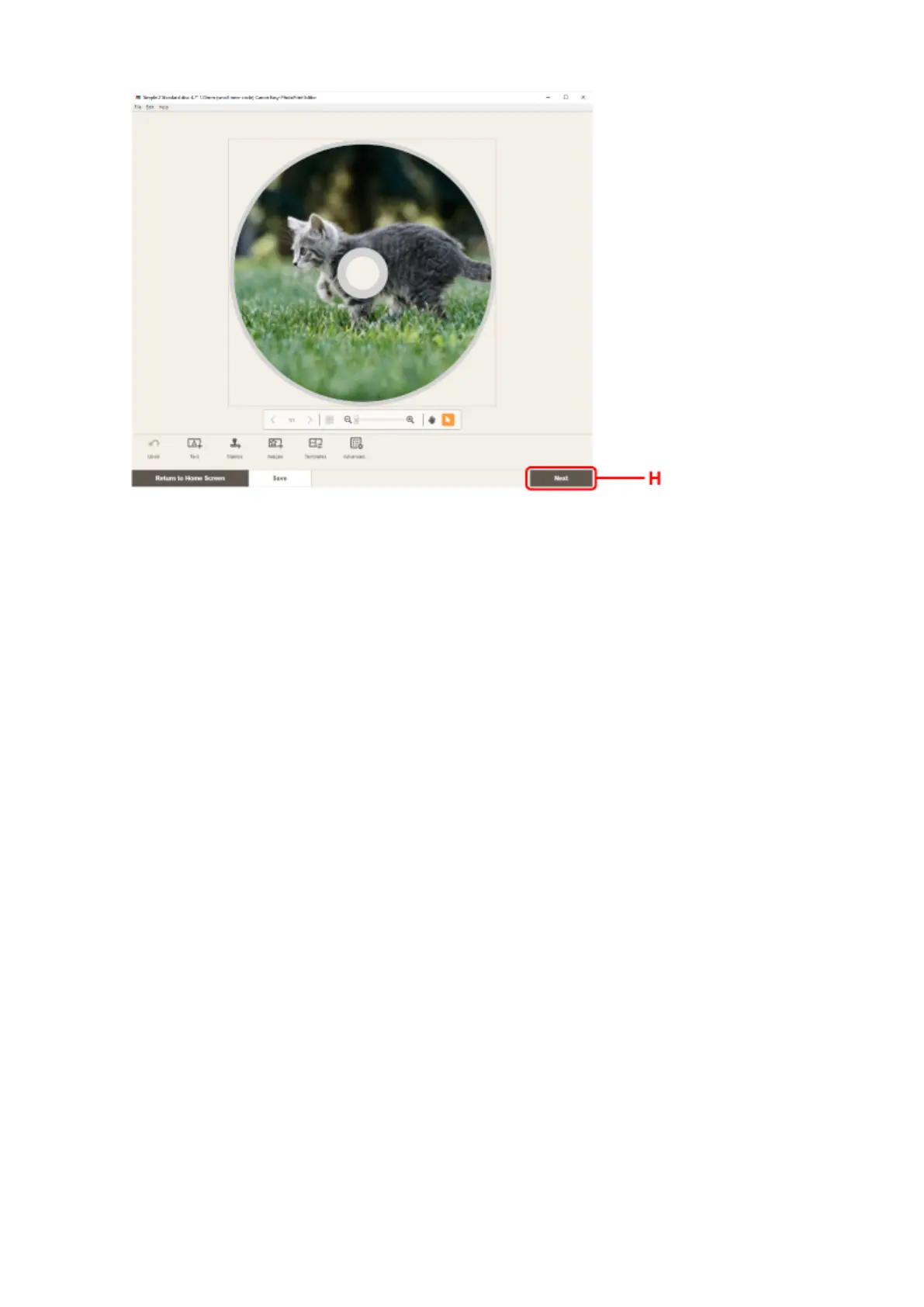
8.
Specify number of copies and other options under Print Settings (I).
For Windows:
Specify the number of copies, your printer name, and other options.
For macOS:
Specify the number of copies and other options.
9.
Start printing.
For Windows:
Click Print (J).
For macOS:
Click Next. When the Print dialog appears, specify your model name and other options, and then click
Print.
40












 To Next Page