1000
Cause
Possible causes include the following.
• There is no paper in the rear tray.
• Paper is not loaded in the rear tray properly.
What to Do
Take the corresponding actions below.
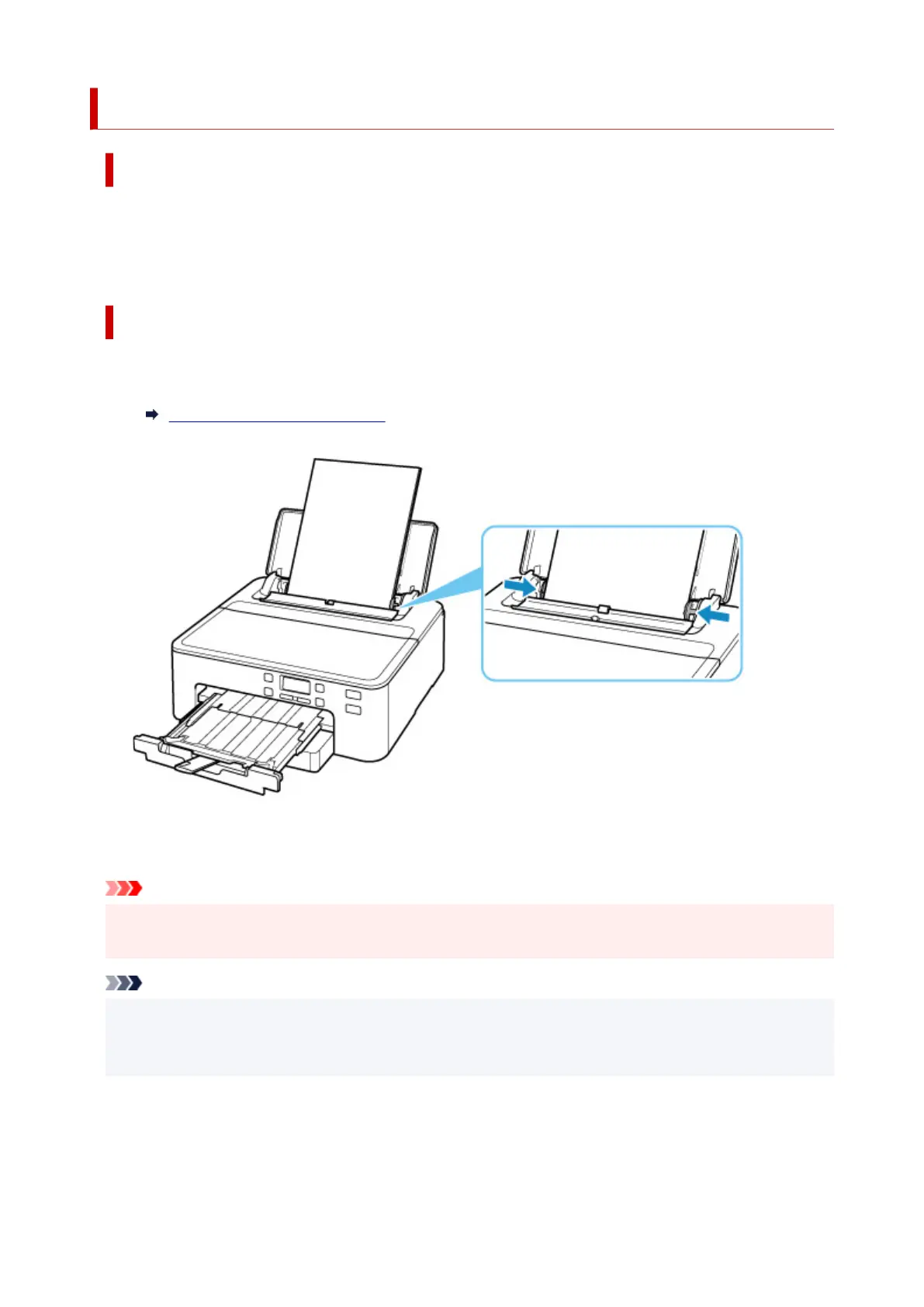
• Load paper in the rear tray.
Loading Paper in the Rear Tray
• Align the paper guides with the both edges of the paper when you load paper in the rear tray.
• Set paper information for the paper in the rear tray.
After carrying out the above measures, press the printer's OK button.
Important
• Be sure to close the feed slot cover after loading paper in the rear tray. If the feed slot cover is open,
paper cannot be fed.
Note
• After loading paper in the rear tray, the screen for setting rear tray paper information appears. Set
paper information for the paper in the rear tray.
• To cancel printing, press the printer's Stop button.
406












 To Next Page