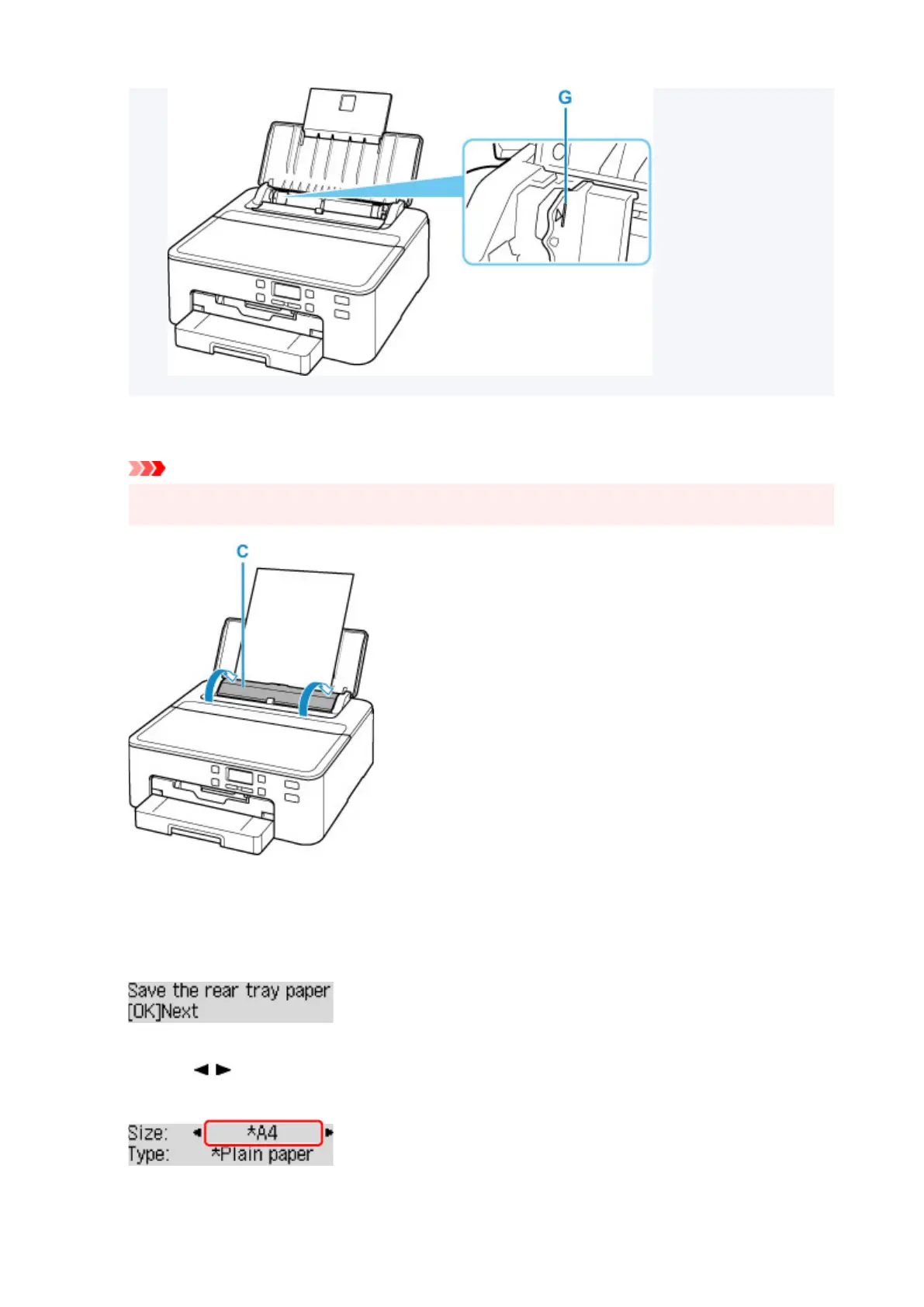
7.
Close feed slot cover (C) gently.
Important
• If the feed slot cover is open, paper cannot be fed. Be sure to close the feed slot cover.
After closing the feed slot cover, the paper information registration screen for the rear tray appears on
the LCD.
8. Press the OK button.
9. Use the button to select the size of the loaded paper on the rear tray, then press the
OK button.
90












 To Next Page