Note
•
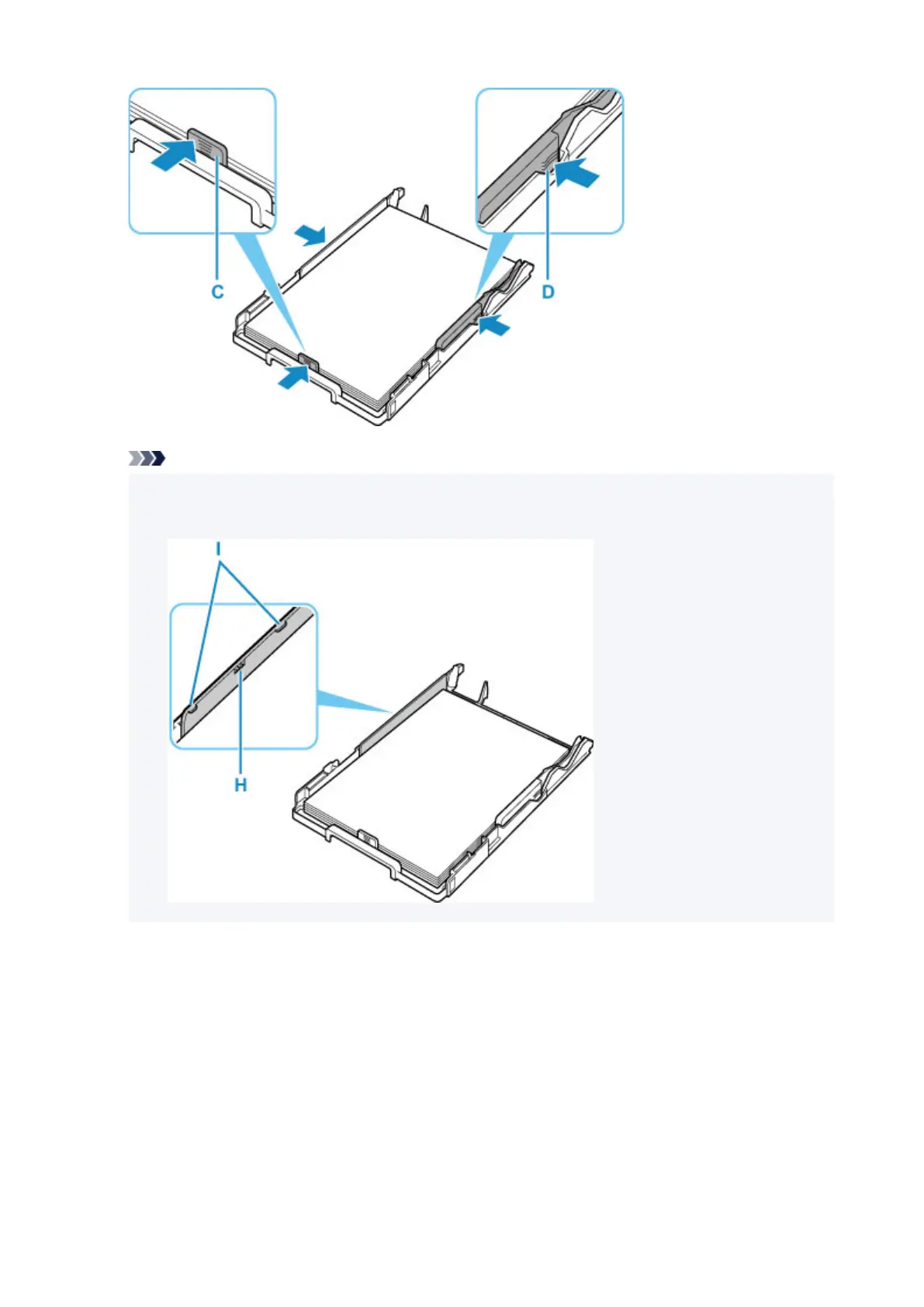
Do not load sheets of paper higher than the load limit mark (H).
• Keep the paper stack height below the tabs (I) of the paper guides.
8. Mount cassette cover (B) and insert cassette into printer.
Push the cassette into the printer until it stops.
After inserting the cassette into the printer, the paper information registration screen for the cassette
appears on the LCD.
95












 To Next Page