xi
[Half Duplex]
You can prevent howling that occurs when the microphone and speaker are placed nearby. However, there is no
sound sent from the camera to the viewer while the camera is receiving audio from the viewer or while an audio file
is being played back. Therefore, even if the [Audio Reception] button of the viewer is active (purple), audio input
from the microphone cannot be received.
[Full Duplex]
Audio can be transmitted from the camera to the viewer even while the camera is receiving audio from the viewer.
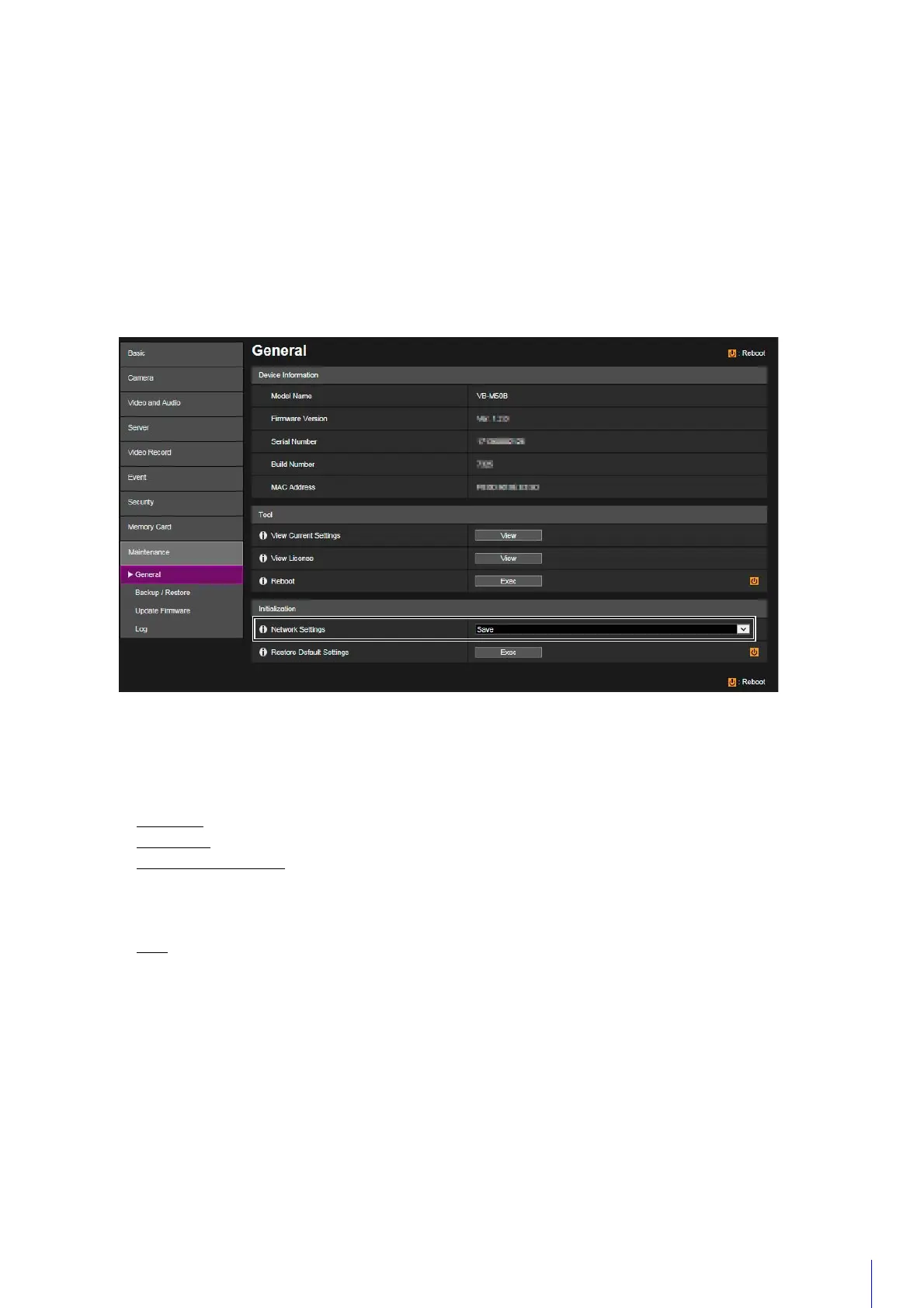
[Maintenance] > [General]
The underlined items are now saved when [Initialization] > [Network Settings] > [Save] is selected.
[Network Settings]
If you set this to [Save], the following settings are retained when initializing.
• Administrator Name
• Administrator Password
•Network Settings
•NTP Server
•HTTP Server
• Host Access Restrictions
•Time Zone
•Certificates
•Private Key
•IPsec
If you set this to [Do not save], the above settings are also initialized.
Since the administrator account is also initialized, you will become unable to connect to the camera. Use the Camera
Management Tool to configure the initial settings.
[Maintenance] > [Update Firmware]
By selecting [Update Firmware] > [Restore Default Settings] > [Restore], the items saved have been updated to the
same as the list above ([Initialization] > [Network Settings] > [Save]).



 To Next Page