32
Settings When Using Windows Server
Adding the Camera IP Address as a Trusted Site
When the security level for internet sites and intranet sites is set to [High], it is necessary to add the IP address of the
camera to the list of trusted sites.
Set the camera IP address with the Camera Management Tool. For details, please refer to “Camera Management Tool User
Manual”.
3
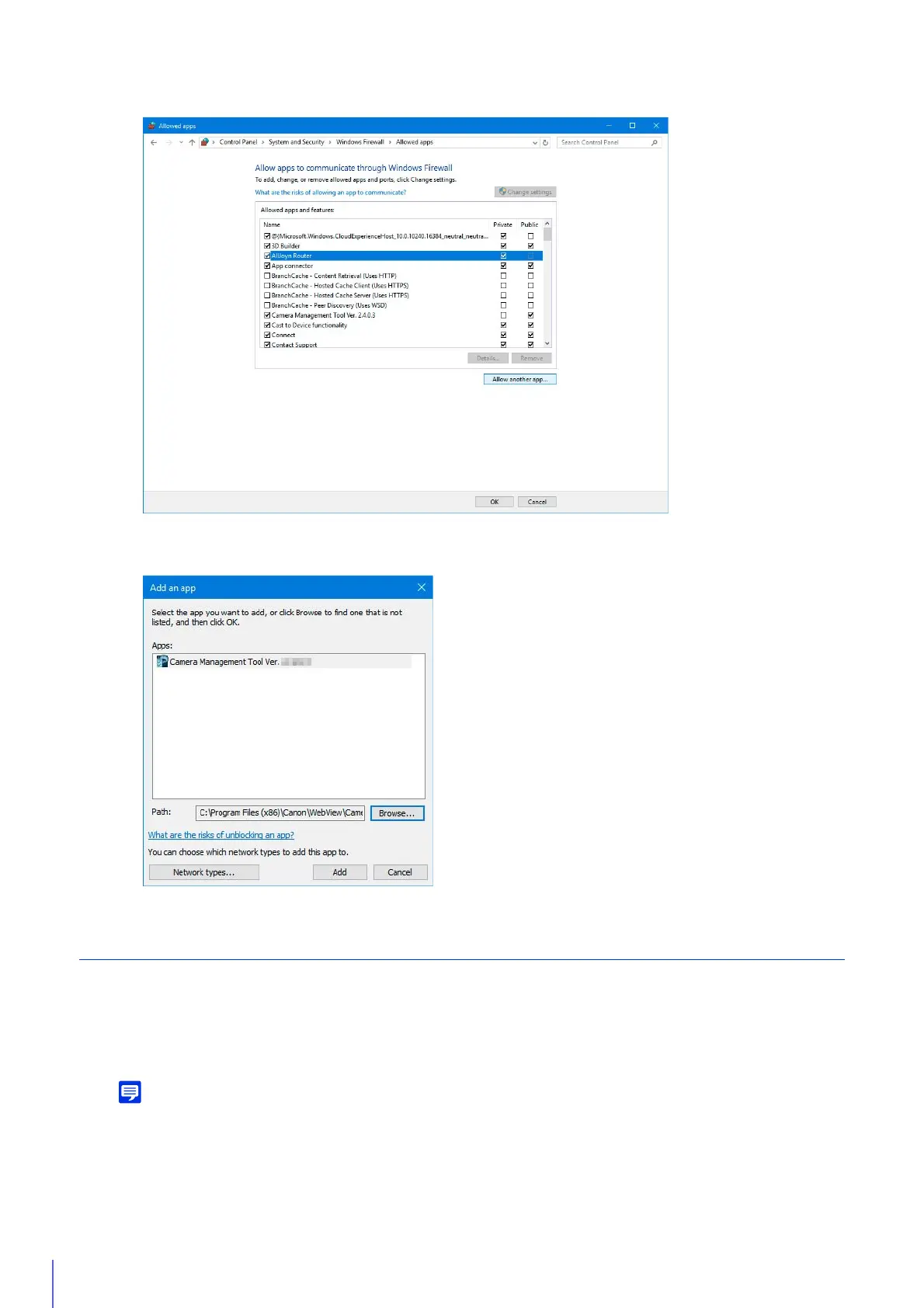
Click [Change settings] > [Allow another app].
4
Select the software to use, such as [Camera Management Tool], and click [Add].
1
Click [Network and Internet] > [Internet Options] in [Control Panel].



 To Next Page