Setting Page
183
[Audio Playback at ON Event] and [Audio Playback at OFF Event] can only be set when [External Device Input] and [Intelligent
Function] is selected as [Event Type] in [Event 1] and [Event 2].
[Sound Clip]
Select the sound clip when [Audio Playback at ON Event] or [Audio Playback at OFF Event] has been set to [Enable].
You must upload the sound clip 1 to 3 with [Video and Audio] > [Audio] (P. 137) beforehand.
[Volume]
Enter the volume for the sound clip.
Linked Event Operation Examples
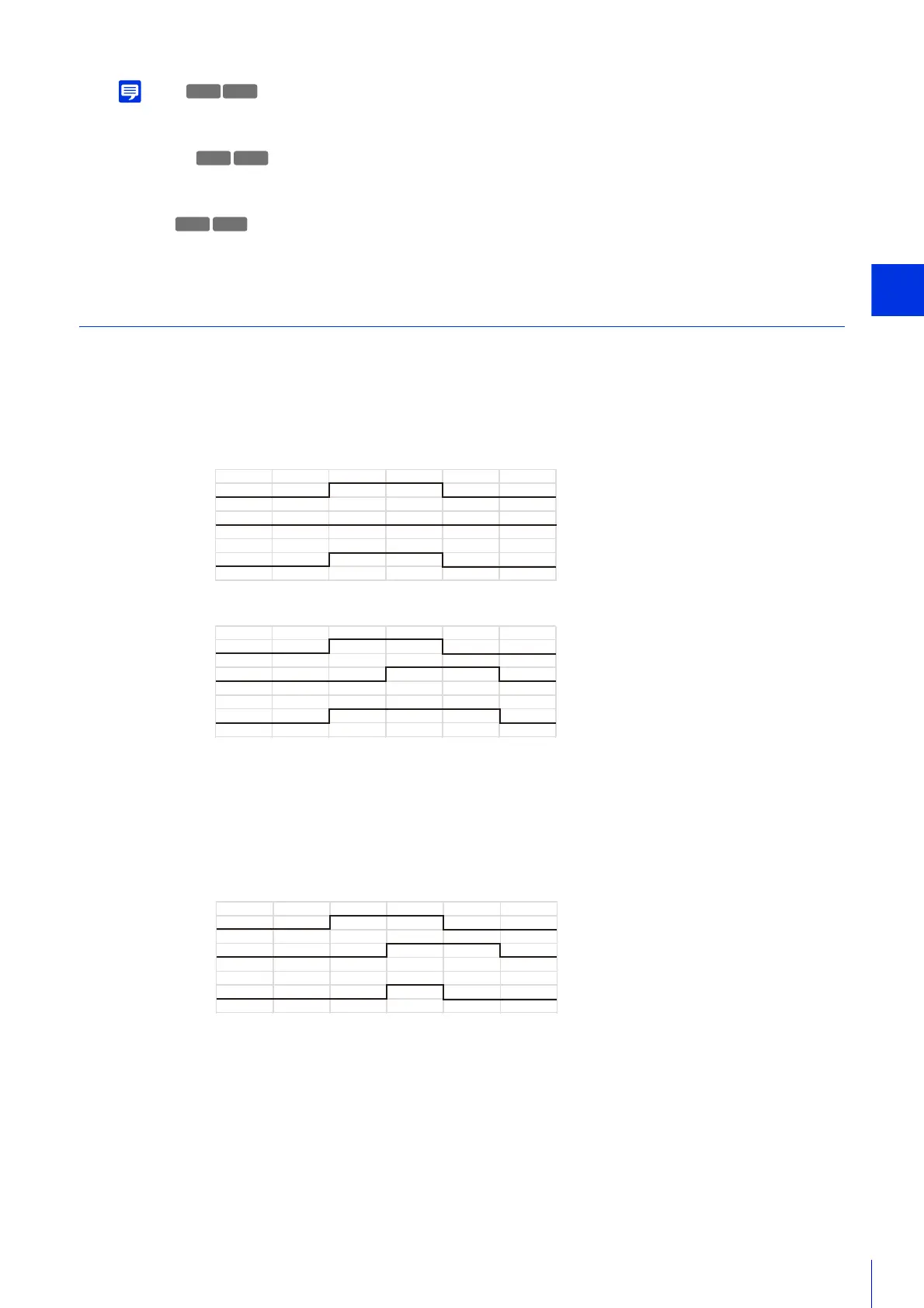
This shows linked event status examples according to the ON/OFF combinations for Event 1 and Event 2.
In the examples below, [Event Gap] is four seconds and each cell in the graphs below represents one second.
[Event Linking Method] Set to [OR]
Only One Event ON
Both Events ON
[Event Linking Method] is Set to [AND], [Event Order] is Specified
This shows examples when [Event Order] is set to [Event 1 -> 2].
When [Event Order] is set to [None] and [Event Linking Method] is set to [AND], linked events will be as in the
examples, even if Event 1 and Event 2 are switched.
When Events Occur in Order 1 -> 2
HM4x
H730
HM4x
H730
H730
ON
Event 1
Event 2
Consolidated
State
OFF
ON
OFF
ON
OFF
ON
Event 1
Event 2
Consolidated
State
OFF
ON
OFF
ON
OFF
ON
Event 1
Event 2
Consolidated
State
OFF
ON
OFF
ON
OFF



 To Next Page