Setting Page
137
When set to [Enable], audio data transmission will pause while there is no sound input from the camera. This can reduce the
load on the network used.
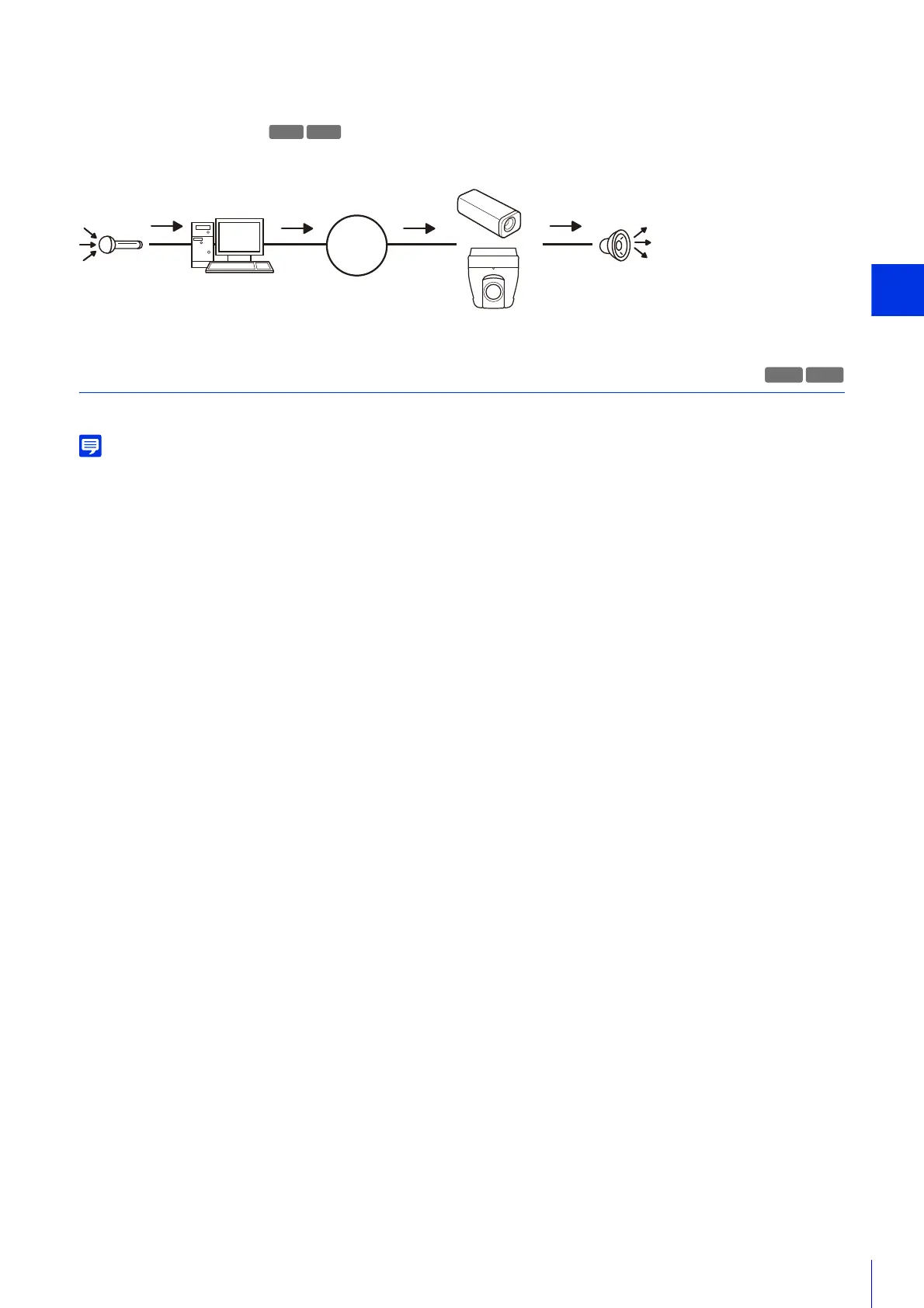
[Audio Reception from Viewer]
Select to receive audio from Camera Viewer and RM Viewer.
Received audio can be output from a speaker with an amplifier connected to the camera.
Sound Clip Upload 1 to 3
You can upload up to three sound clips for playback when an event is triggered.
The sound clip is used when audio playback is set in [Event] > [External Device Input] (P. 150) or [Event] > [Intelligent Function] > the
[Event] tab (P. 178).
[Browse File]
Specify the sound clip to upload and click [Add].
To be able to upload a sound clip, it must satisfy the following requirements.
• Playback length: Less than 20 seconds
• File Format: “.wav” (µ-law PCM 8bit. Sampling frequency 8000 Hz, monaural)
If it is blank when you click [Apply], the sound clip registered in the camera will be deleted.
To delete an uploaded sound clip, click [Delete] next to the name of the sound clip.
[Sound Clip Name]
Enter the name of the sound clip to upload.
Be sure to enter the sound clip name.
HM4x
H730
H730



 To Next Page