24
Step 1 Preparing to Install the camera
Make preparations to use the camera via a network.
Install the necessary software
“Installing Software” (P. 28)
Check/configure the computer and web browser security settings
“Checking/Configuring Security Settings” (P. 31)
Use the Camera Management Tool to configure initial camera settings.
“Configuring Initial Camera Settings” (P. 35)
Step 2 Installing the Camera
Install the camera to suit the environment it will be used in.
“Installation Guide”
Step 3 Setting the Camera Angle
Use the Setting Page to set the camera angle while checking video on the computer screen.
“Setting the Camera Angle” (P. 37)
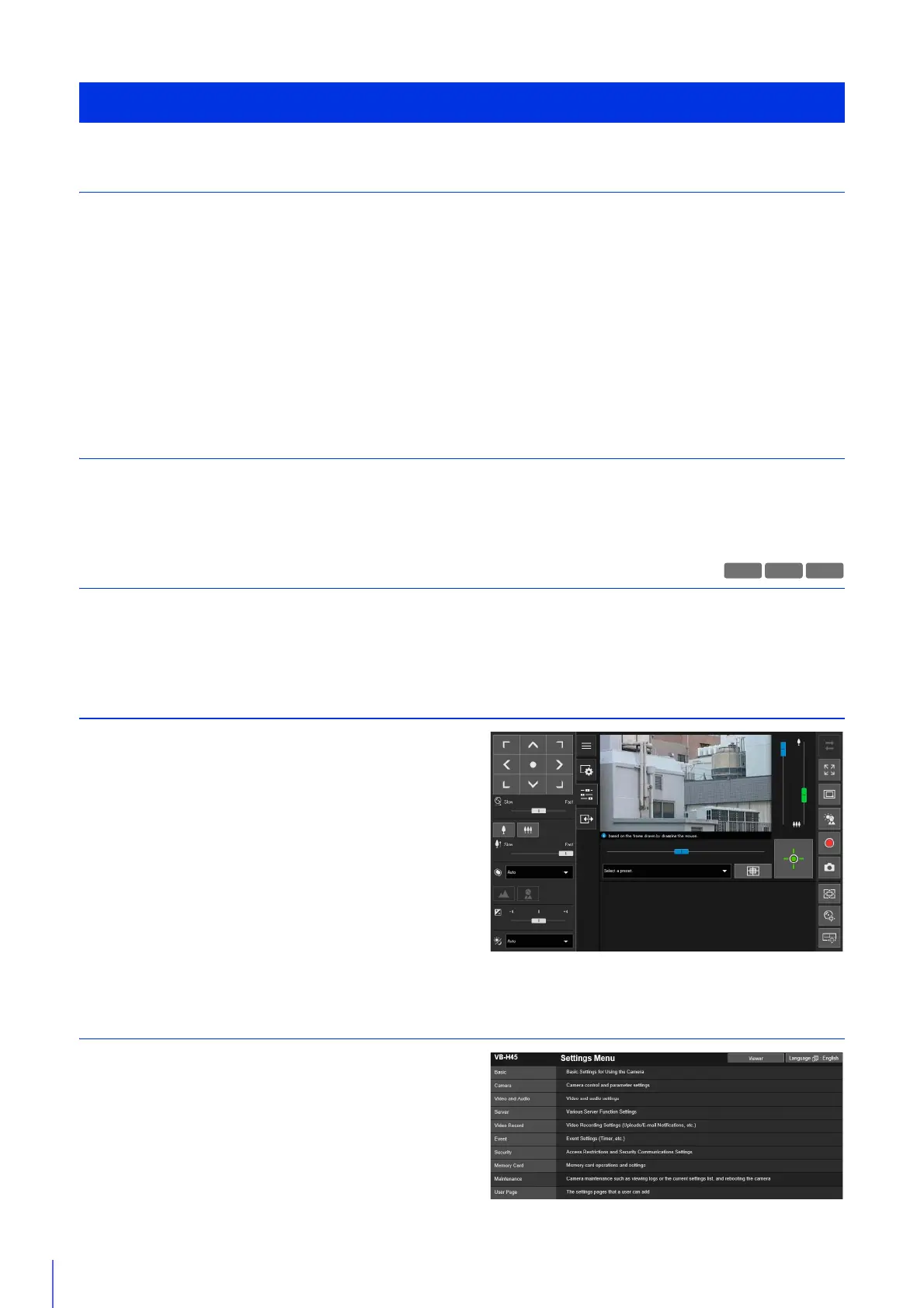
Step 4 Using the Camera Viewers
Operate the camera while viewing the video in the Viewer.
“Camera Viewer” (P. 39)
Step 5 Adjusting Advanced Settings According to Its Use
Advanced settings can be made in the Settings Menu, such as
for camera control and security, according to how the camera
will be used.
Settings can also be made using the Camera Management Tool.
For details, please refer to “Camera Management Tool User
Manual”.
“Setting Page” (P. 75)
Steps for Setting Up the Camera
S90x



 To Next Page