Setting Page
119
• Maximum 21 presets (including the home position)
The camera angle can also be operated from the following screens.
Set the items to apply in the preset. For a description of each item, please refer to “Camera Settings” (P. 100).
[Pan/Tilt/Zoom position] /[Digital PTZ Position]
Select [Register] to register the current camera angle as a preset.
If you selected [Home] (home position) in the preset list, [Pan/Tilt/Zoom position]/[Digital PTZ Position] is always registered.
[Camera Settings]
Select [Register] to register the current camera settings as a preset.
1
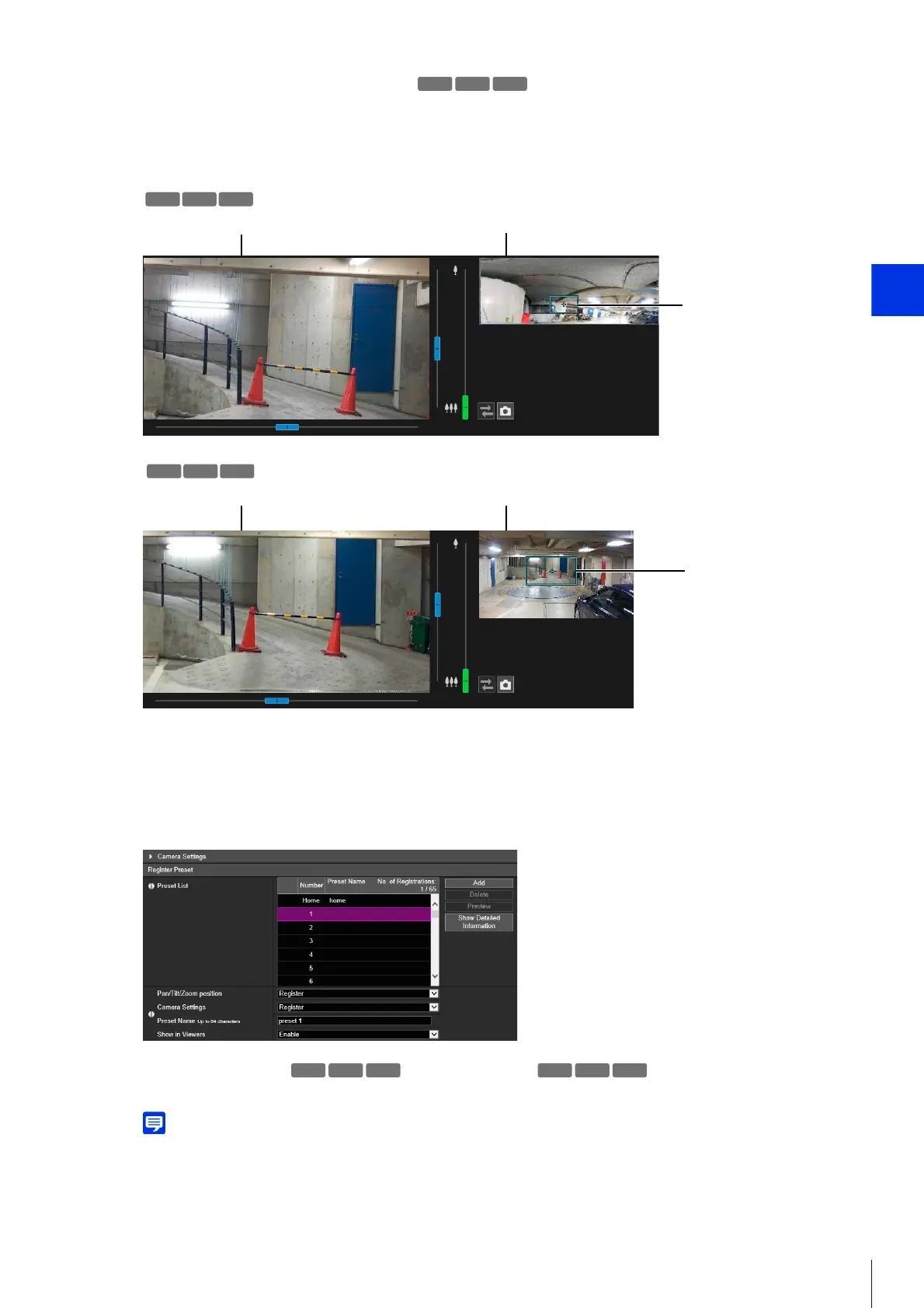
Operate the panorama image to set the angle you want to register as the preset.
2
Click [Camera Settings] to set the items as necessary.
3
Set the items of preset registration.
Video Display Area Panorama Screen
Preview Frame
Video Display Area Full-View Screen
Preview Frame
S80x S90x



 To Next Page