vii
Camera Viewer
Adjusting Video > Focusing
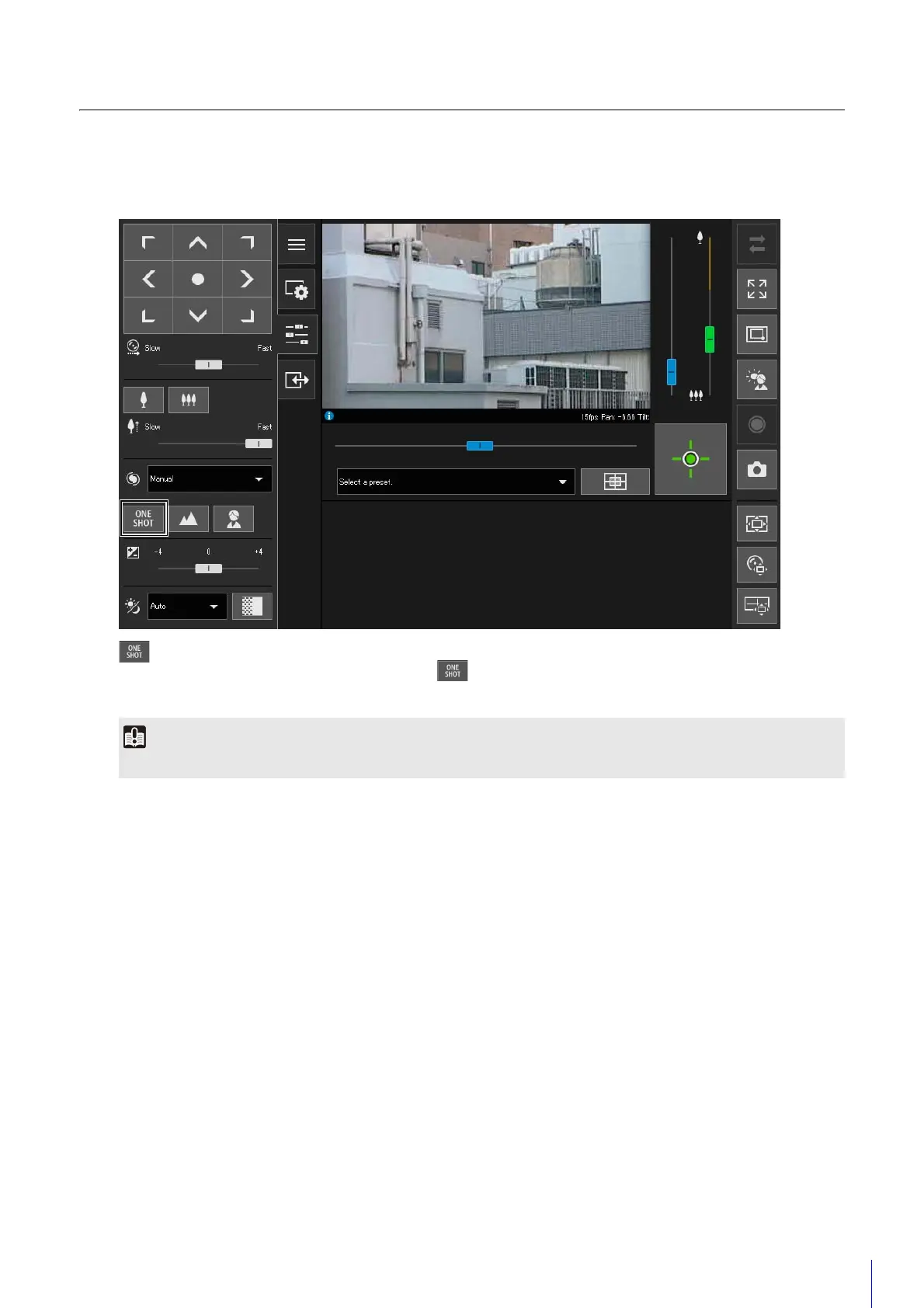
One-shot AF operations are now also possible in the Camera Viewer.
[One-shot AF] button
Use when [Focus] is set to [Manual]. When you click , the camera will focus once using autofocus and then switch
to manual.
Saving Snapshots
The following "Note" has been changed.
Before Change
• The snapshot is saved as a JPEG file.
After Change
• The saving format of the snapshot depends on the web browser being used.
For precautions on focusing and the focus range, please refer to "Operation Guide".



 To Next Page