Camera Viewer
59
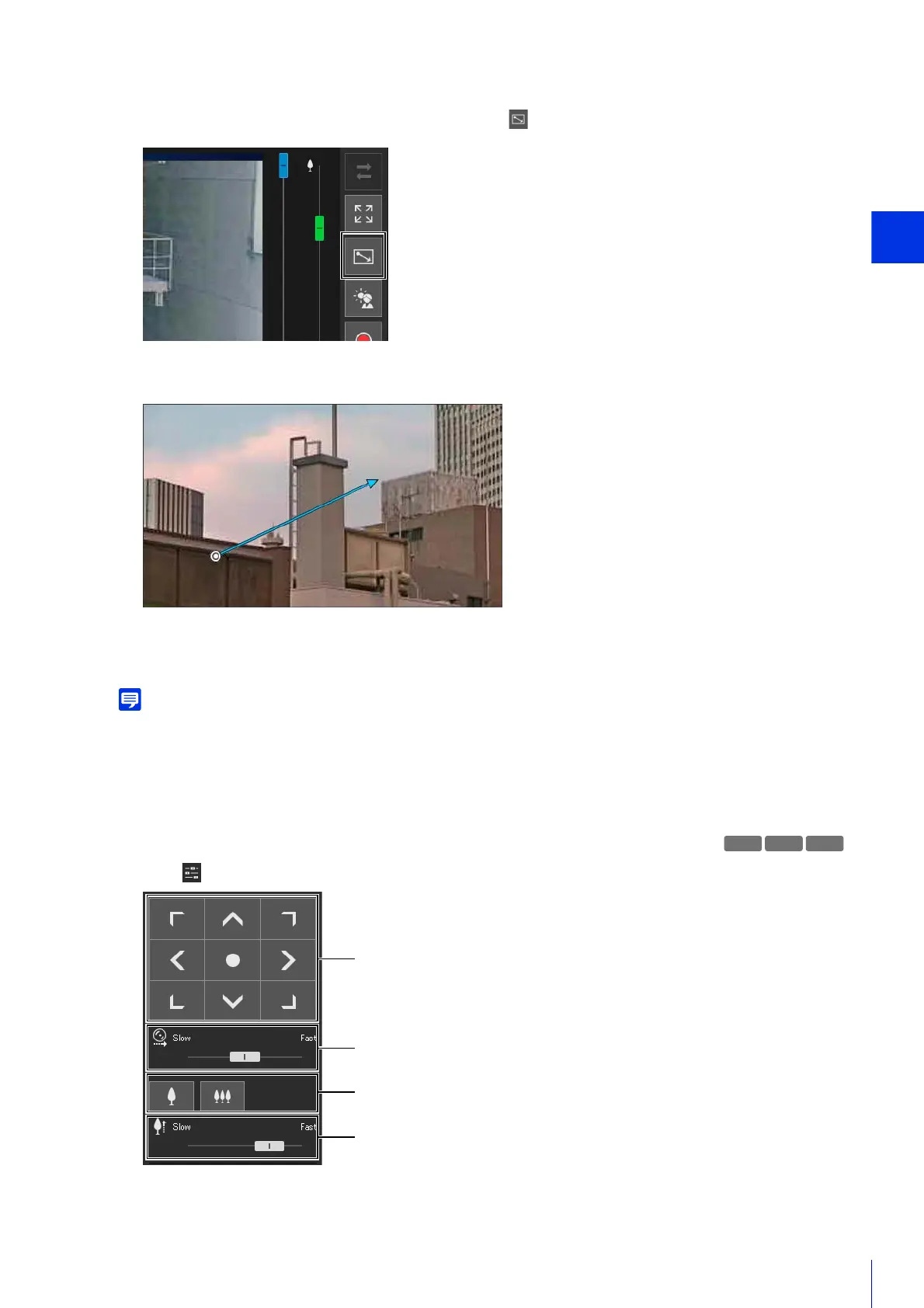
Using Drag to Move to Change the Camera Angle
The camera angle will move in the direction of the arrow.
The maximum length of the arrow is half the width and height of the video display area, and movement speed
increases with the length of the area.
When using Drag to Move, the pan/tilt sliders will not move.
The camera will stop.
Using [Pan/Tilt/Zoom] in the [Camera Control] Menu
Open the [Camera Operation] menu and perform camera pan, tilt, and zoom operations.
1
Click the [Switch Area Zoom/Drag to Move] button to enter (Drag to Move) mode.
2
In the video display area, drag in the direction you would like to change the camera angle. An arrow will be
displayed.
3
Release the mouse button.
S30 S31



 To Next Page