107
Displaying the Connection Settings Screen
5
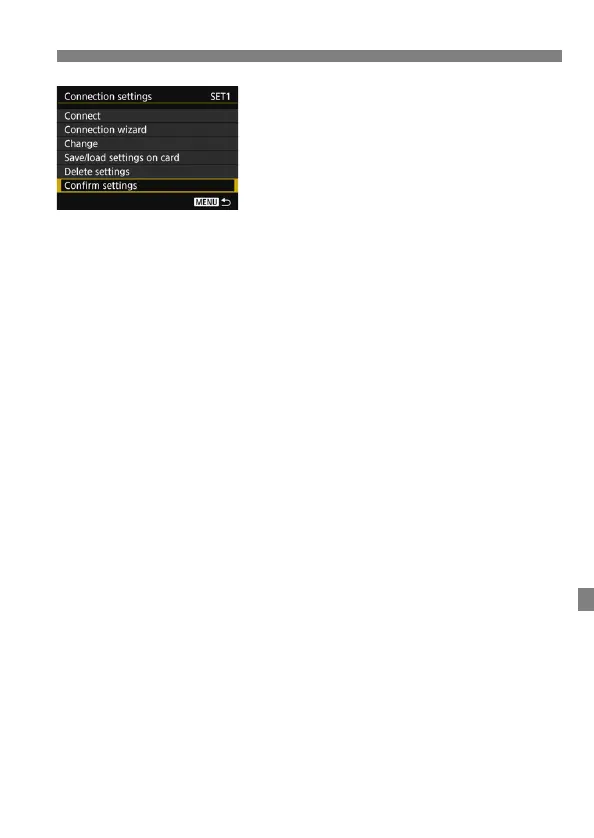
Check or change the settings.
Select an item and press <0>, then
check or change the settings on the
displayed screen.
[Connect] (p.103)
Select this to re-establish a connection. Select [OK] on the confirmation
dialog and press <0> to establish a connection.
[Connection wizard]
Set up a connection using the connection wizard. Follow the
procedures displayed to complete the connection settings. If settings
are already saved, they will be overwritten.
[Change] (p.108)
Change connection settings saved on the camera.
[Save/load settings on card] (p.112, 113)
Save connection settings saved on the camera to a card, or load
connection settings saved on a card into the camera.
[Delete settings]
Delete connection settings saved on the camera. Select [OK] on the
confirmation dialog to delete the setting.
[Confirm settings]
Check connection settings saved on the camera. When you select
[Confirm settings], the settings will be displayed.



 To Next Page