32
Connecting to a Detected Network Manually
Enter the encryption key (password) specified for the access point.
For details on the specified encryption key, refer to the access
point’s instruction manual.
The screens displayed in steps 2 to 4 below vary depending on the
authentication and encryption specified for the access point.
Go to page 34 when the [IP address set.] screen is displayed
instead of the screens for steps 2 to 4.
2
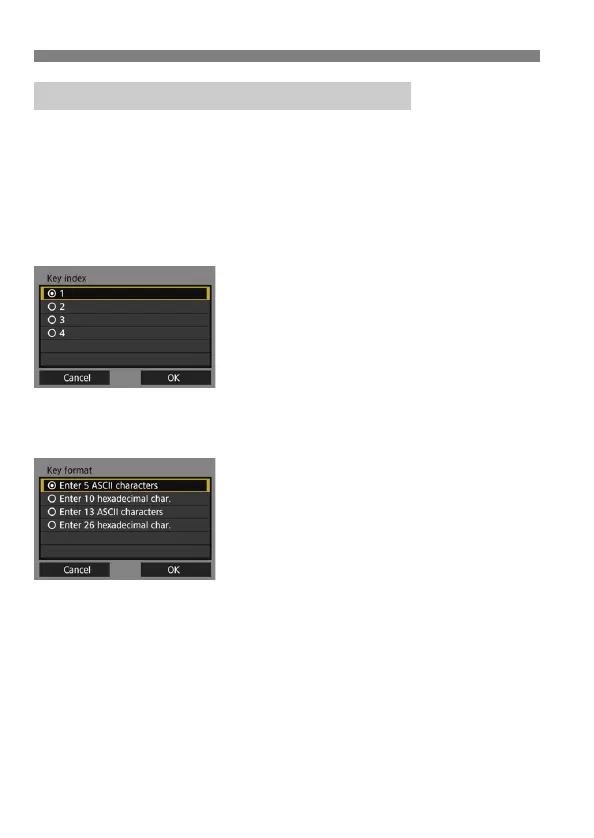
Select a key index.
The [Key index] screen is displayed
only if WEP encryption is used by the
access point.
Select the key index number
specified for the access point, then
press <0>.
Select [OK] and press <0> to go to
the next screen.
3
Select the format and the number
of characters used for the key.
Select [OK] and press <0> to go to
the next screen.
Entering the Access Point Encryption Key



 To Next Page