33
Connecting to a Detected Network Manually
4
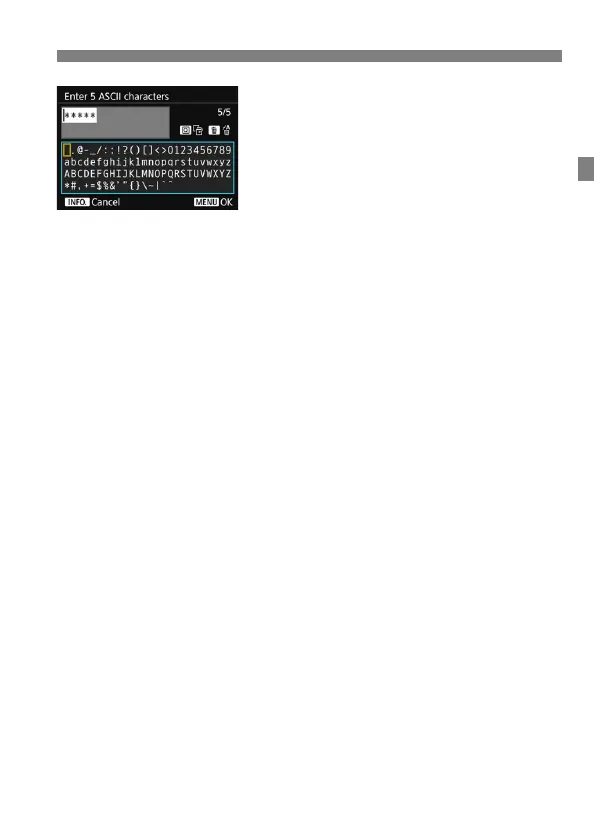
Enter the encryption key.
Enter the encryption key using the
virtual keyboard (p.21), then press
the <M> button.
When a connection with the access
point is established, the [IP address
set.] screen (p.34) is displayed.



 To Next Page