64
Displaying WFT Server
9
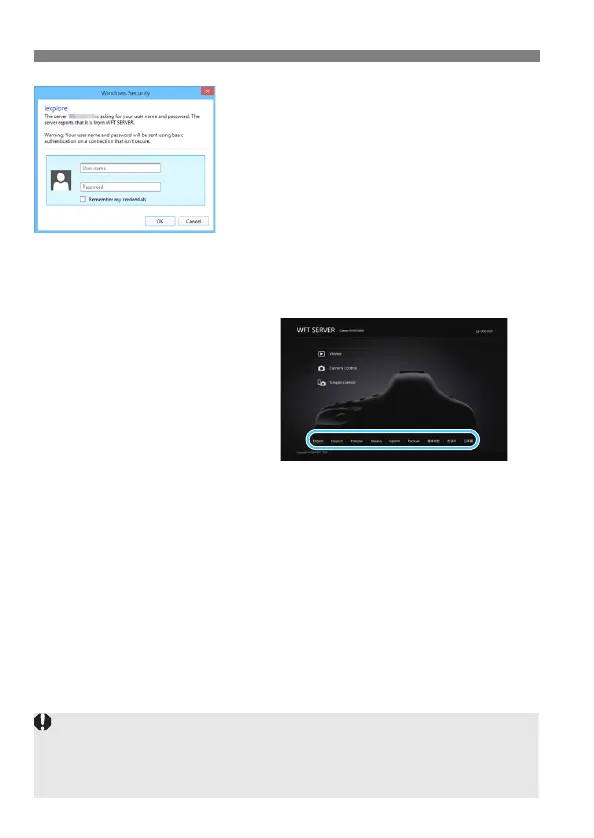
Enter the [Login name] and
[Password].
Enter the [Login name] (user name)
and [Password] specified on page
60.
Press [OK] to display the WFT Server
screen.
10
Select the language.
Select a language at the bottom of
the screen.
WFT Server cannot be used unless the web browser supports
JavaScript.
While connected, [Multiple exposure], [RAW image processing],
[Cropping], or [Resize] cannot be selected.



 To Next Page